See what was new in the previous release SimpleHelp 5.2
Feedback
We welcome and appreciate any feedback or comments on this release of SimpleHelp. Please email all feedback to [email protected]. Thanks for your support!
Changes and Improvements
SimpleHelp 5.3 introduces a number of improvements and enhancements over SimpleHelp 5.2. Below are a few of the more important changes.
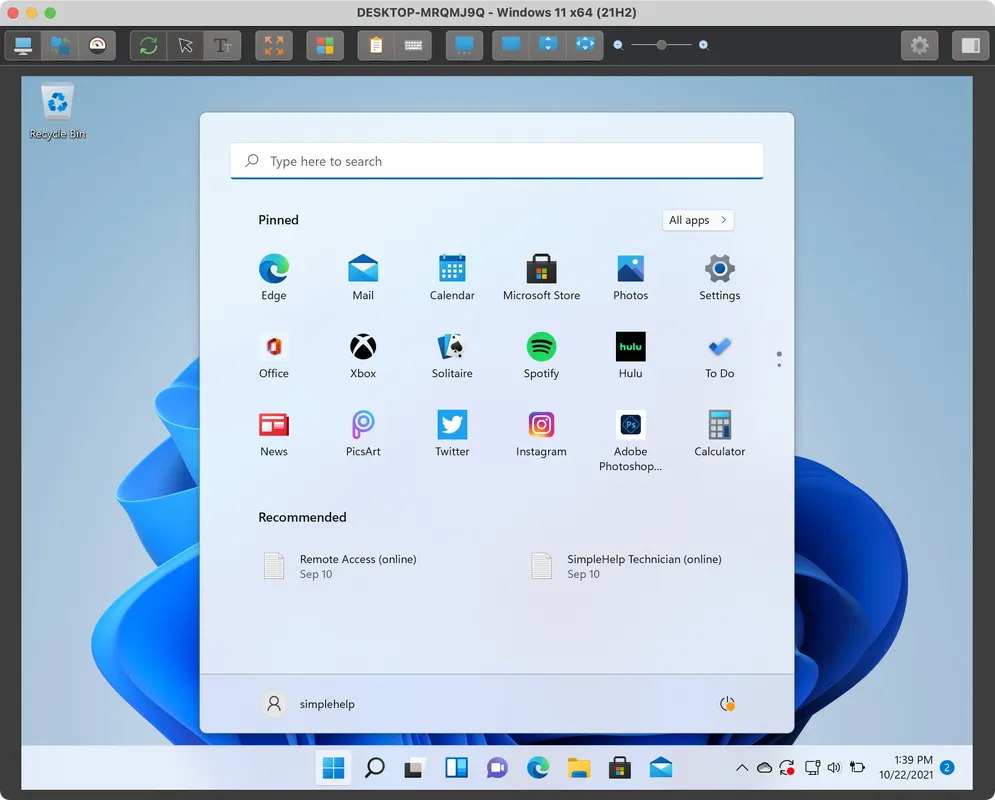
Faster Windows Screen Capture
Improvements in screen capture performance on Windows.
- Sessions are now more responsive, particularly when small changes occur on the remote machine.
- Screen blanking on Windows is now more reliable, particularly in multi-monitor setups.
- Bandwidth utilisation is reduced by up to 30% from 5.2.
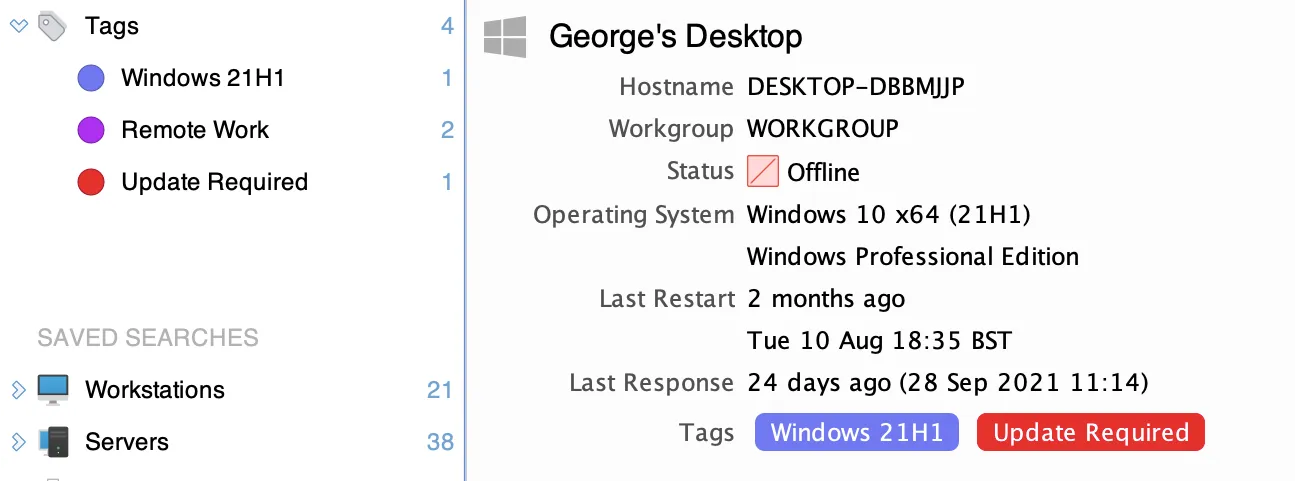
Access Tags
Tags allow you to label remote access machines in the Access tab to make them easier to manage, filter and identify.
- Create, order and apply tags to Remote Access Services.
- Filter machines by tags.
- Trigger alerts on tagged machines.
- Automatically apply or remove tags using alert actions.
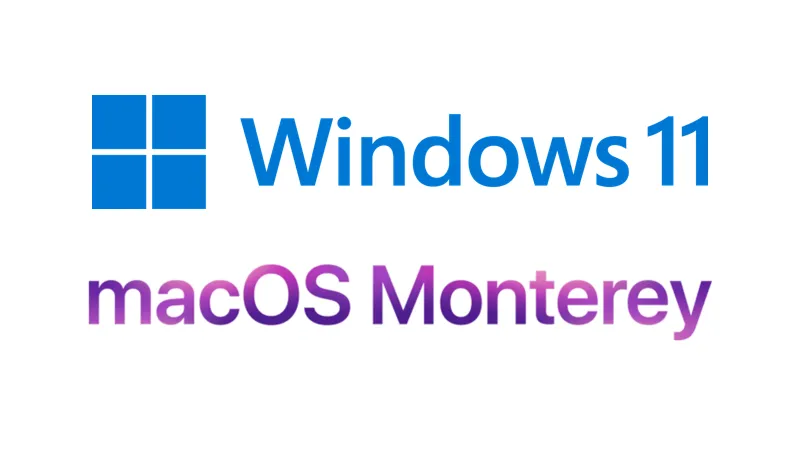
New Supported Systems
The following system are now supported for all bundled applications.
- Native support for ARM-based macOS machines.
- Windows 11.
- macOS Monterey.
- Linux ARM32 and ARM64 support.
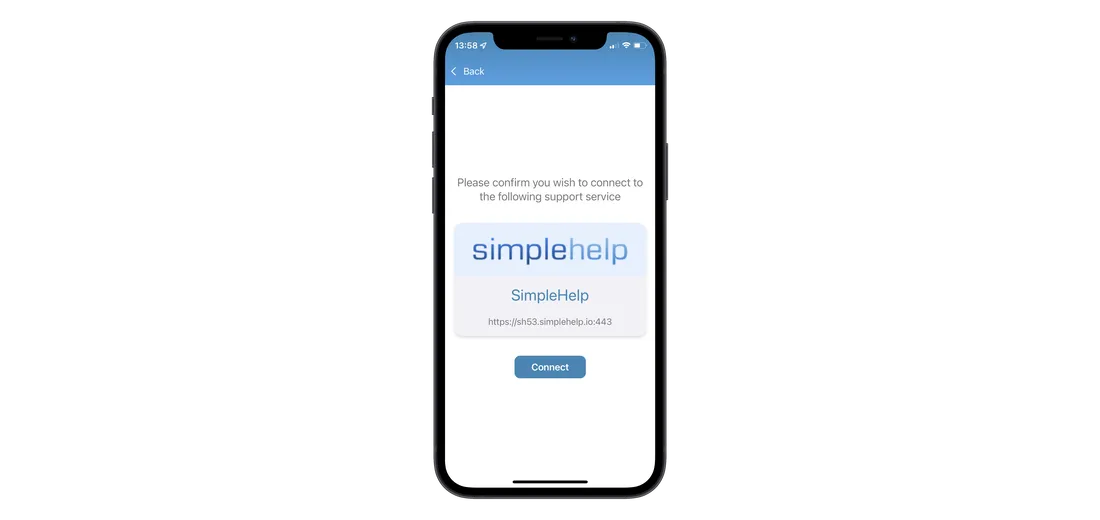
Mobile Device Support
iOS and Android support apps that allow customers to connect to your support server from a mobile device.
- Users can connect to a server using a server-specific connection code configurable in the Administration tab.
- Support for in-session chat, image sharing and mobile device screen sharing.
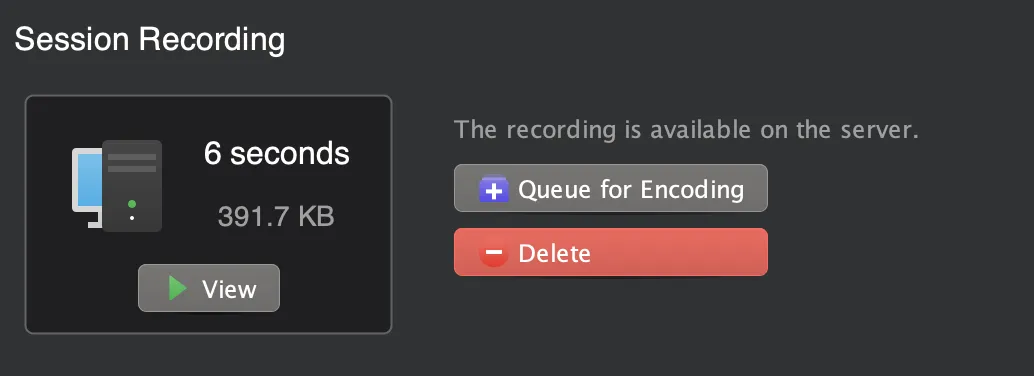
Share Session Recordings
A new session encoding implementation means you can easily share session recordings with users.
- New controls in the History tab allow you to specify which recordings are encoded.
- Administration tab controls allow you to set useful encoding defaults.
- Encoded videos can be shared with users, and video in most media players (and browsers).
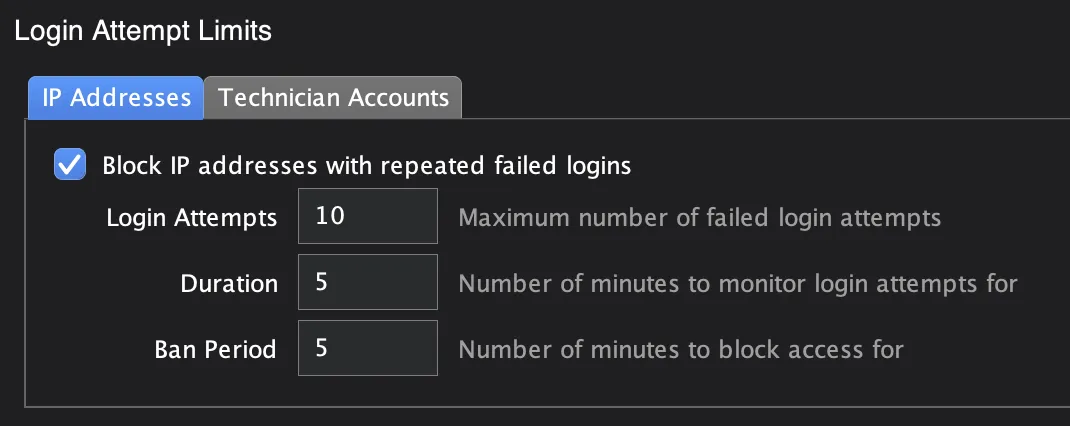
Security Enhancements
A number of changes make SimpleHelp more secure.
- Remote Access Service installations are now only modifiable by system administrators.
- CIDR support for IP restrictions make it easily to specify what networks should be allowed access.
- Automatically ban IP addresses and accounts after a certain number of failed logins.
- Network restrictions for Server Administrators and Remote Work users (along with Technicians).
- Ability to disable tools system-wide.
- More granular Web API permissions to control access for API tokens.
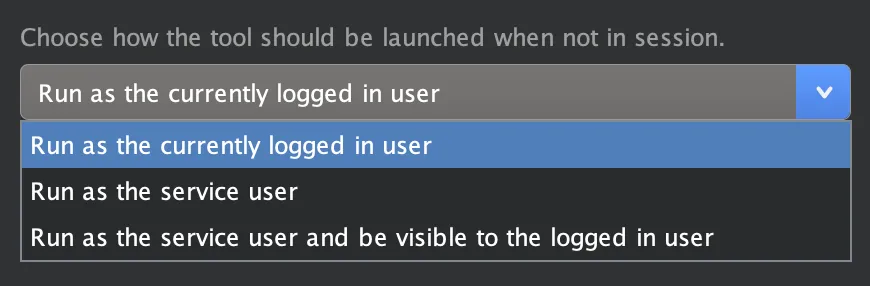
Toolbox Improvements
Technicians can now choose the context under which a tool will be run on a remote machine.
- Running tools as the service user, in the service session, allow administrators to make changes that will not interrupt the user.
- Running tools as the logged on user allow administrators to make changes for a specific user.
- Tools on macOS can now be run as the root user.
Other Notable Changes
- Alert severities allow you to grade alerts, so that you can easily tell when severe alerts trigger.
- Users can now request a code via email instead of using app-based authentication (if both are enabled).
- The Remote Work application can now be renamed.
- Technician comments can now be required.
- Three column layout in the Access tab takes advantage of wider displays.
- Support for tool duplication in a toolbox.
- Additional Web API endpoints to rename or move remote machines.
- Adds support for newer Linux installations with multiple X server processes.
- A revised macOS service framework makes the Access service easier to install, and more reliable.
- Mapped Drives are now visible in Access sessions.
- Technician groups can be duplicated, or create from pre-configured templates.
- Technician groups can inherit permissions and settings from other groups.
- Tools can now be disabled system-wide.
- New Administration Recording settings give you better control over what sessions are recorded, and when they are encoded.
- Alert trigger and reset scripts now have access to the Scripting API.
- Website Alert's can now be configured to ignore SSL errors when checking a site.
- New permissions reports allow administrators to easily see which users and groups have access to machines.
- Server Events are now generated when submitted MFA codes are incorrect.
- Let's Encrypt certificates now bundle the self-signed root.
- Improvements to detect screen size changes more quickly.
- Improved support for Pi and Pi64 detection and installation.
- Better support for wallpaper restoration on macOS.
- Saved searches in the Access tab can now be renamed, and can be configured with a custom icon.
- Improved video playback controls.


