See what was new in the previous release SimpleHelp 5.1
Feedback
Changes and Improvements
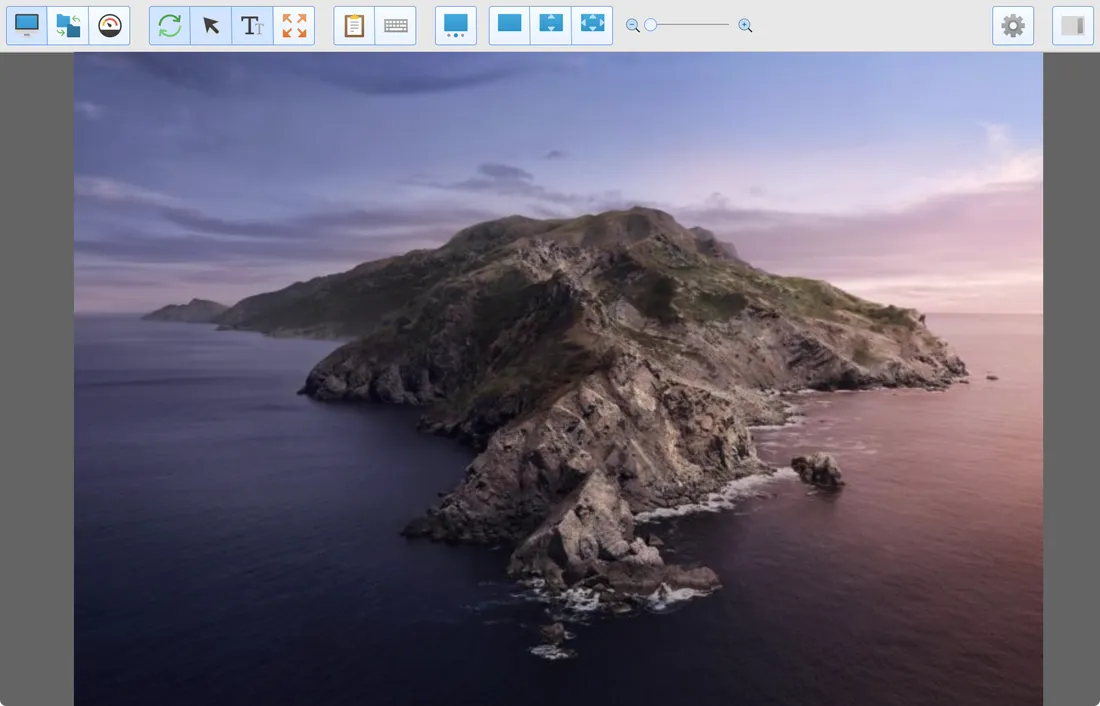
Tabbed Sessions
The new tabbed session interface keeps all your remote sessions in a single window, making it easier to switch between sessions.
- Each new session appears in a tab
- Tabs can optionally show a screen thumbnail of the remote machine
- Easily see which tabs have unread chat messages
- Drag a tab out of the window to have a session appear in its own window
- Sessions are faster to initialise
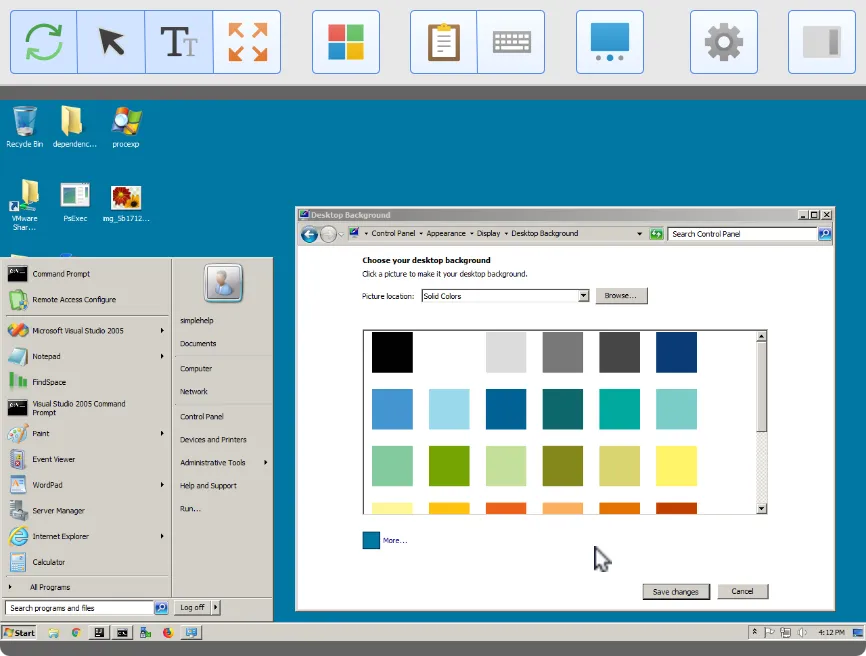
Remote Display Windows
It is now easier than ever to manage multiple remote displays. View all displays in a single window, or easily pop displays into their own windows.
- Pop out any remote display into its own window, with its own controls
- Place windows onto different displays and view them all at the same time
- View File Transfer or Diagnostics mode alongside the remote display
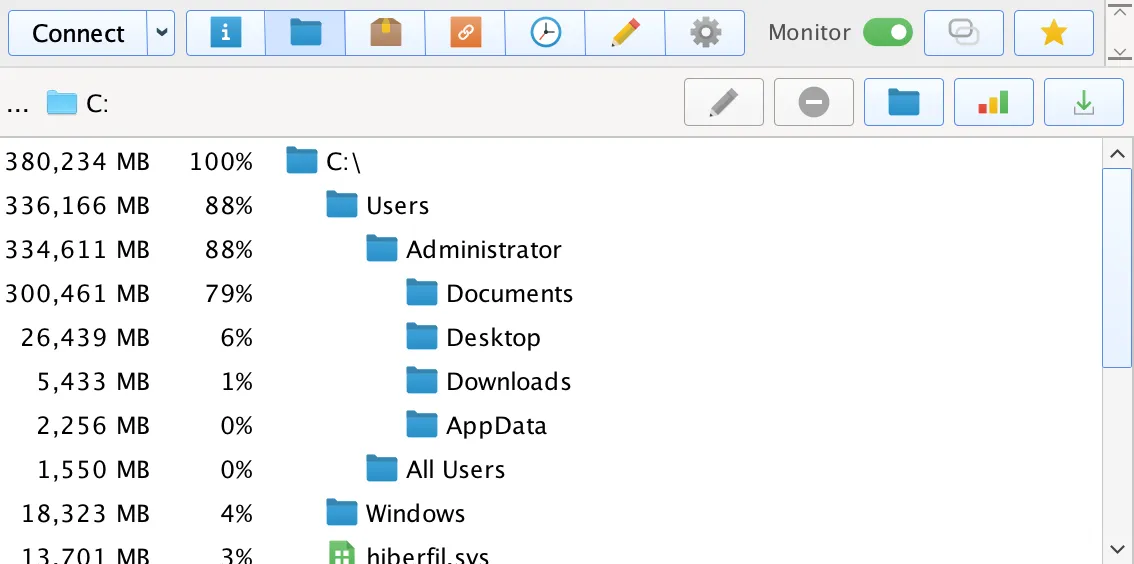
Space Reports
Easily free up disk drive space on remote machines by generating Space Reports.
- Scan remote drives to find out what files are using the most space
- Easily delete files to free up space on a remote machine
- Produce space reports via the Access tab, or from in a session
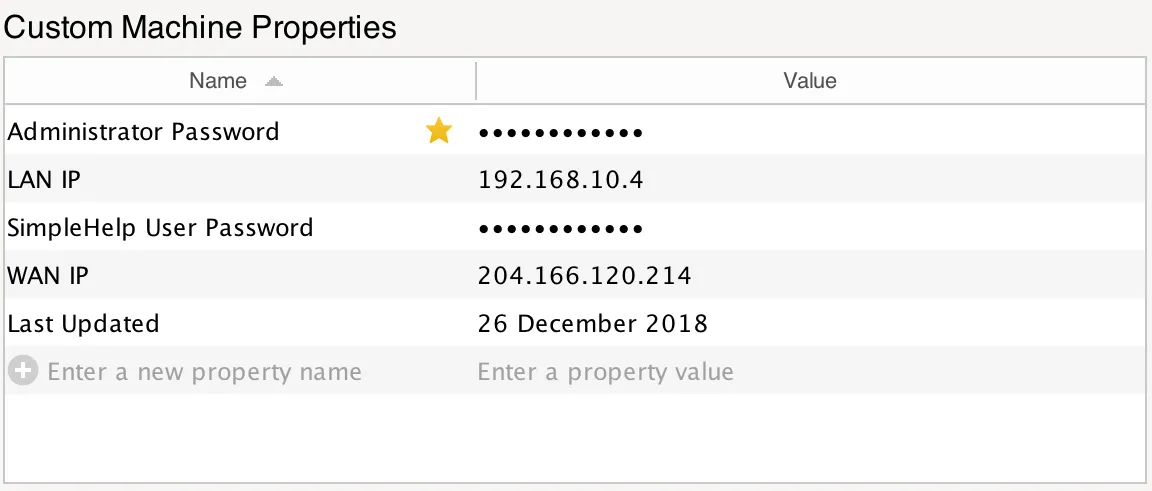
Machine Properties
Associate custom machine properties with remote access services in the Access tab.
- Store any name and value pairs and associate them with remote machines
- Automatically type values out in sessions to streamline logins and other data entry
- Full support for reading and writing properties via the SimpleHelp Web API
SimpleHelp Scripting API
Our new scripting API offers a whole new set of functions to any script you write, regardless of the language.
- Download files, log to the server, send emails or notifications to technicians
- Push/Pull files to and from other remote access machines, including direct machine-to-machine transfers and delta transfers
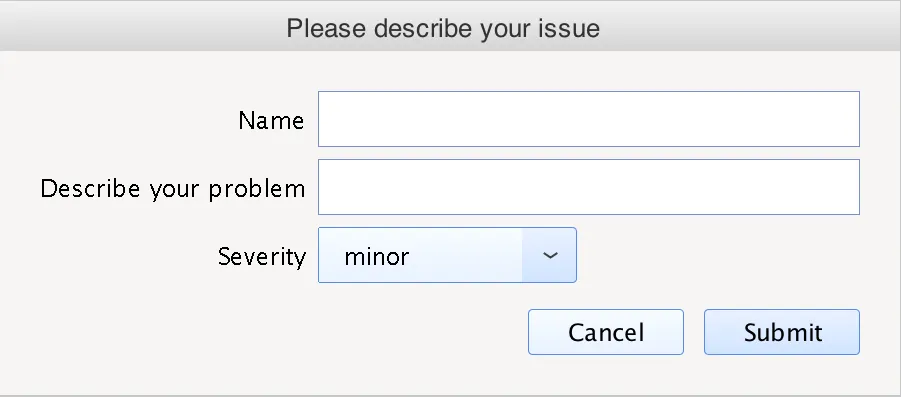
- Easy form building to gather data from the end user or from a technician and then use that in your script
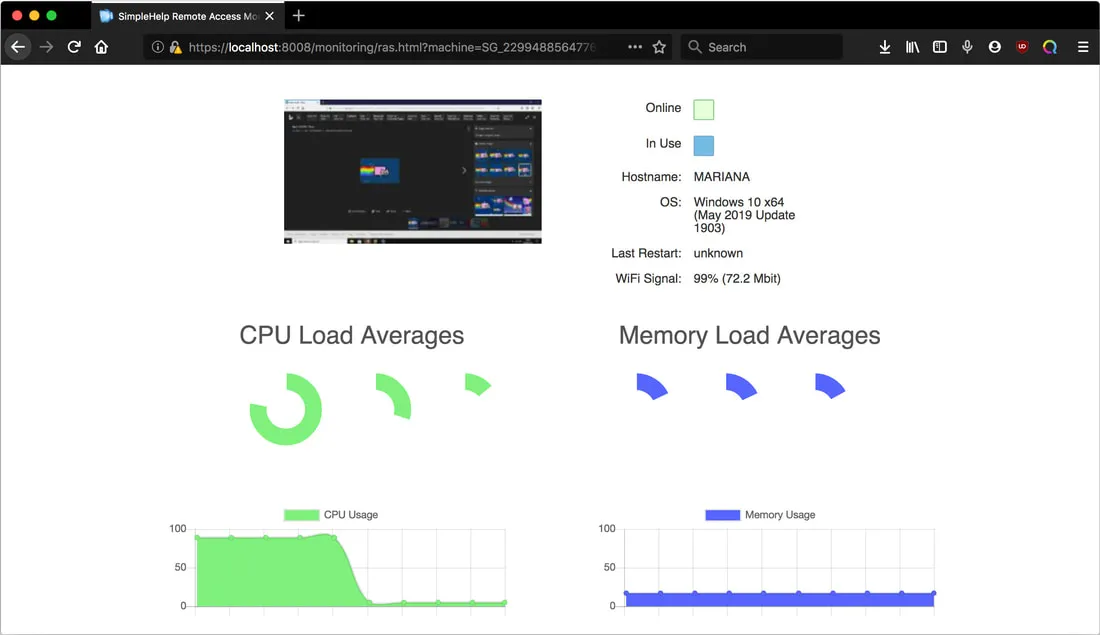
- Get monitoring stats like CPU and Memory usage on any remote access machine, get and set Machine Properties and run tools directly on other remote access machines
macOS Catalina Support
SimpleHelp includes support for the latest macOS Catalina 10.15 release. All SimpleHelp applications are notarized to provide a more streamlined experience on Catalina.
Web Based Monitoring
Monitor live stats and screen activity of any remote access machine direct from a browser, perfect for integrating into a web-based service offering.


