Help users on demand
A user can launch an on-demand support session without pre-installing a permanent remote access service. Your team can respond when help is needed, including on devices you have never supported before.
See the problem, work with the user and get to a resolution. SimpleHelp brings on-demand remote support, unattended access and technician tools together, so your help desk can handle the whole job from one platform.
Remote support lets a technician help someone with a computer or device without travelling to its location. A shared view of the screen makes it easier to understand what went wrong, while remote control and diagnostic tools let the technician take practical action.
Help a first-time caller or a long-standing customer with the same familiar tools. SimpleHelp supports both attended sessions and machines your team already manages.
A user can launch an on-demand support session without pre-installing a permanent remote access service. Your team can respond when help is needed, including on devices you have never supported before.
Use remote screen sharing and control to investigate the issue directly. Chat with the user during the session and work through the problem together, with file transfer available when you need to move a file.
View resource usage, processes and services, or open a terminal. Background diagnostic tools help you investigate without relying on the user to find settings or read technical information aloud.
Manage technician permissions, connect authentication to your existing identity provider and review activity history. Use session recordings when you need a record for review or training.
A customer calls because an application will not open. They start an on-demand session, your technician connects and checks the application with them. If the machine needs ongoing care, your team can arrange unattended access for future maintenance and bring it into your wider monitoring workflow.
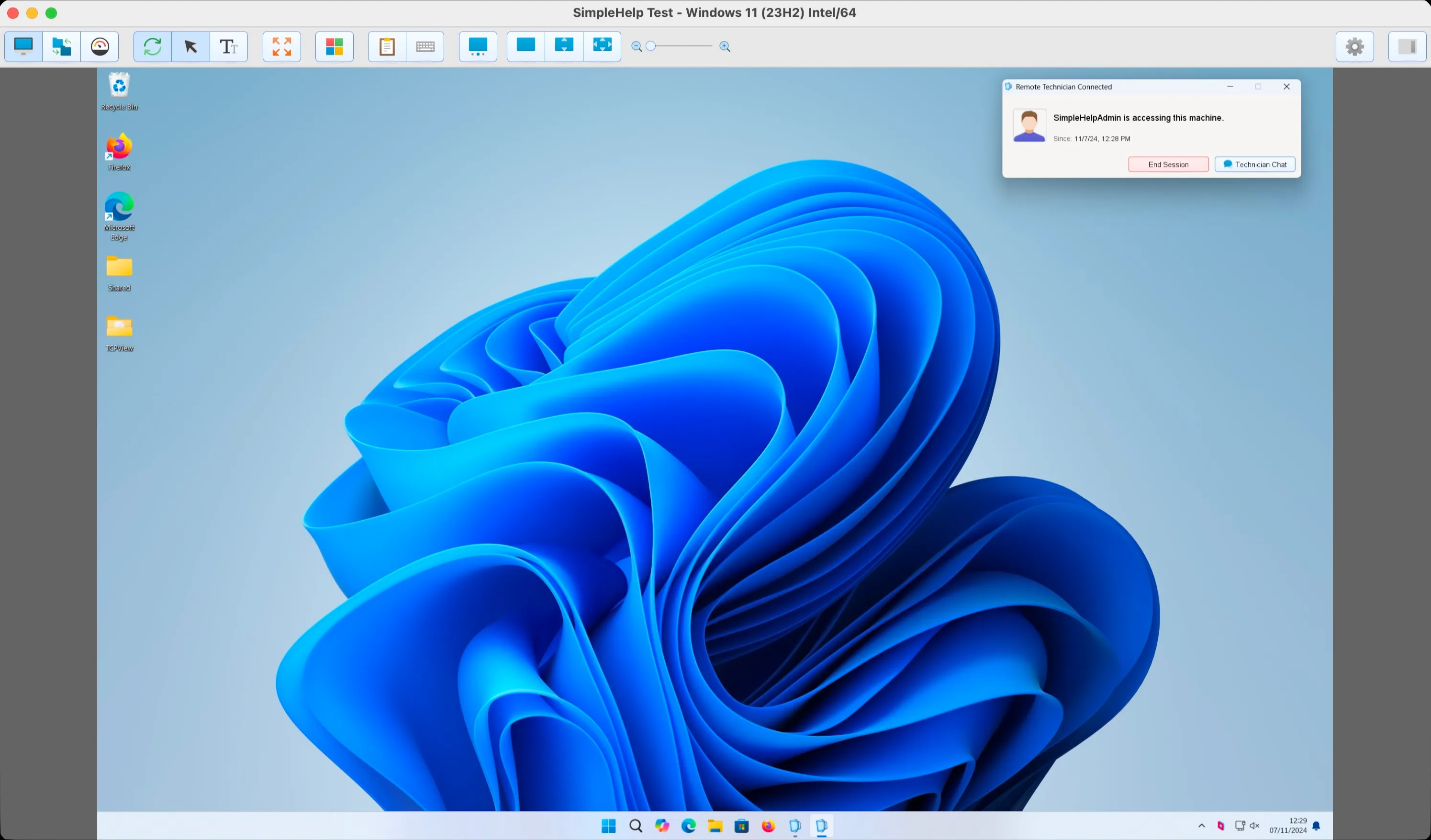
Start with a few test devices and a workflow your team knows well.
For on-demand support, the customer launches the support application when they need help. A permanent remote access service is used for unattended access to machines you manage regularly.
Yes. Install and configure the remote access service on a managed machine to enable unattended connections by authorised technicians when the device is online.
SimpleHelp licensing is based on concurrent sessions, shared by your technicians. Choose the edition and session capacity that fit your workflow; the pricing page explains the included features and terms.
Monitor device health, create alerts and automate maintenance with self-hosted RMM. SimpleHelp combines remote machine management with support and access.
ExploreRun remote access on your own infrastructure or cloud. SimpleHelp gives you control of server location, authentication, permissions and update timing.
ExploreAccess unattended computers and servers with SimpleHelp. Remote desktop, file transfer and terminal tools, through a server you control.
ExplorePut SimpleHelp to work with your own machines and technicians. Every feature, free for 30 days.
Start Free Trial

