Alert on what matters
Use built-in conditions or your own scripts to detect application-specific problems.
Many alerts have a known fix: restart the service, clear the space, re-register the agent. SimpleHelp can run that fix automatically when the alert fires, and let your team know what happened.
Automated remediation links monitoring to action. When a defined condition is detected, a pre-approved fix runs automatically. Routine problems resolve themselves, and technicians are left with the issues that need human judgement.
Combine alerts, Toolbox tools and the Scripting API into self-healing workflows.
Use built-in conditions or your own scripts to detect application-specific problems.
Trigger a Toolbox tool when an alert fires, on the affected machine or elsewhere.
Use Scripting API functions to notify users or technicians, send email, trigger or reset the associated alert, and launch further tools.
Every tool run is logged in History, so you can see what ran, where and with what result.
A line-of-business service occasionally stops overnight. The team creates an alert for the stopped service and links it to a tool that restarts it, checks it is running and emails the on-call technician only if the restart fails. Most nights, nobody needs to be woken.
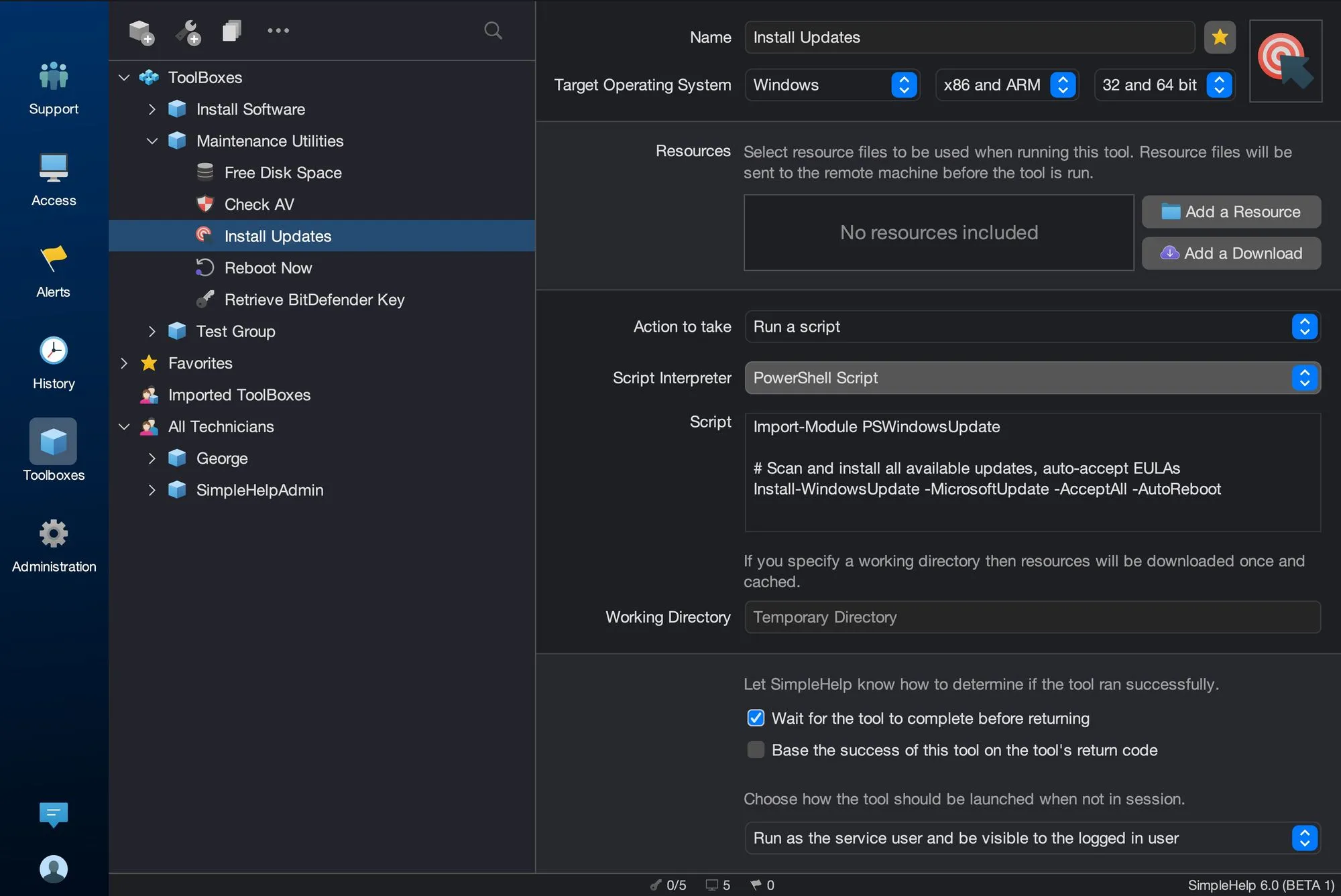
Start with a few test devices and a workflow your team knows well.
Yes. Alerts can trigger Toolbox tools as an automatic response, in editions that include monitoring and alerts.
Start with low-risk fixes, test them on a small group and use the Scripting API to check results and notify technicians when a fix fails.
Yes. The Scripting API can show pop-up notifications, alert specific technicians or send email with attachments.
Install and update software on many remote computers at once. Bundle installers with SimpleHelp Toolbox tools, run them across groups and check the results.
ExploreBuild a library of reusable IT tools with SimpleHelp Toolbox. Scripts, files, inputs and results for one machine or thousands, shared across your team.
ExploreConnect SimpleHelp to your PSA, ticketing and reporting systems. Use the Web API to query machines, monitoring data and session history from your own tools.
ExplorePut SimpleHelp to work with your own machines and technicians. Every feature, free for 30 days.
Start Free Trial

