..jpg)
Everything you need to support and manage IT
Remote Support, Access and Control
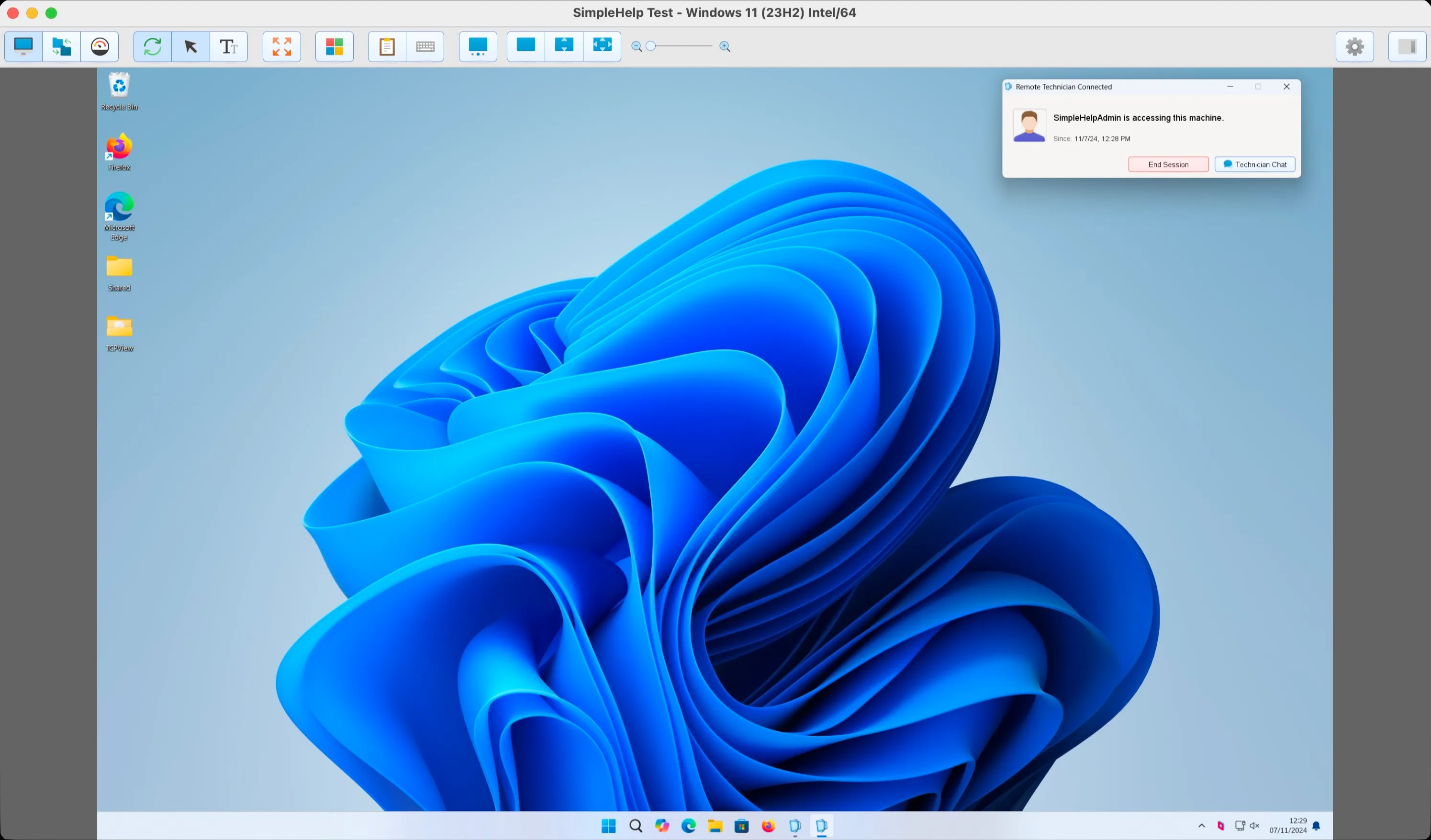
Connect instantly to users and unattended devices with fast, secure remote control across Windows, macOS, Linux, iOS and Android.
.svg)
Help users when they need you
Launch secure, on-demand support sessions without pre-installing software.
Access devices anytime
Connect securely to unattended computers and servers whenever you need them.
Support every major platform
Connect across Windows, macOS, Linux, iOS and Android from one platform.
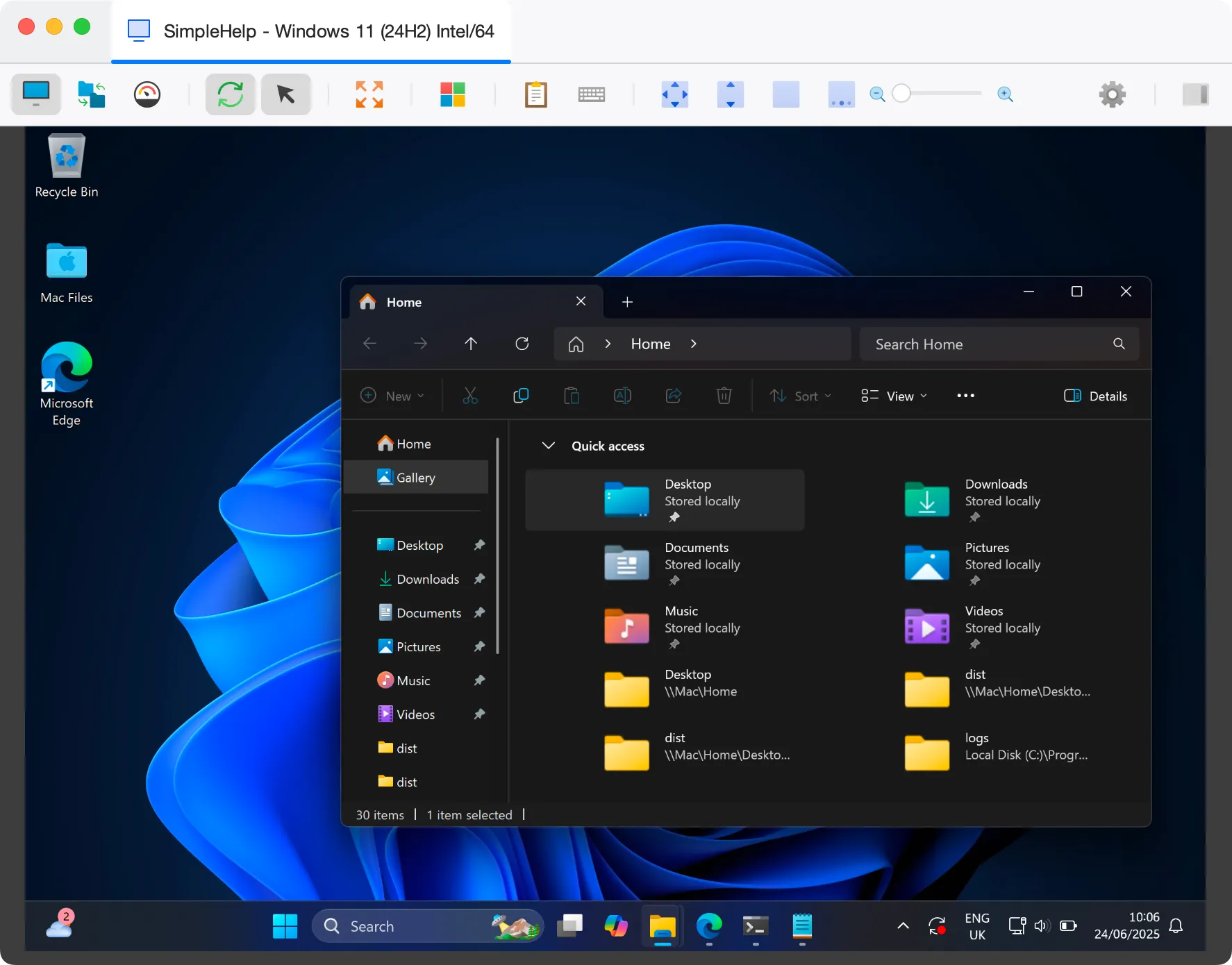
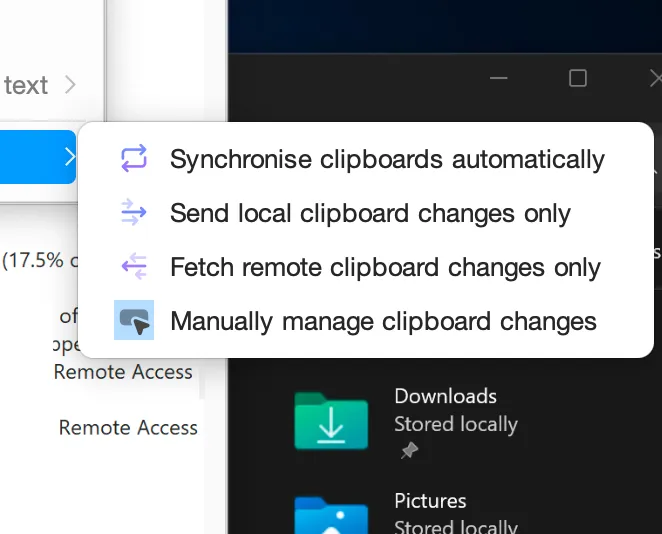
Everything you need in a Remote Control Session


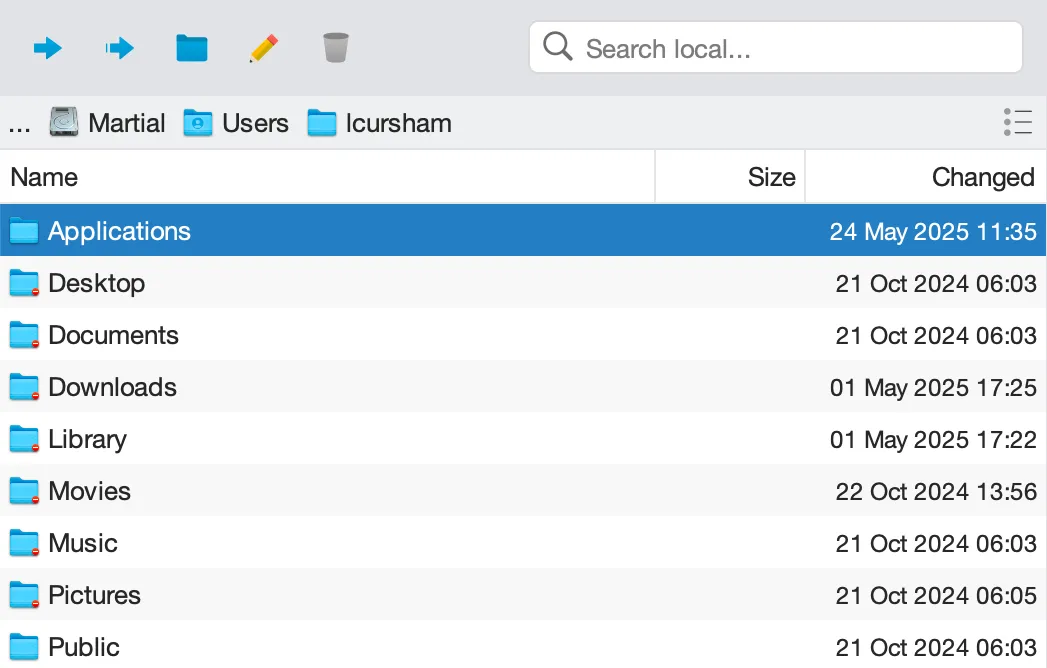
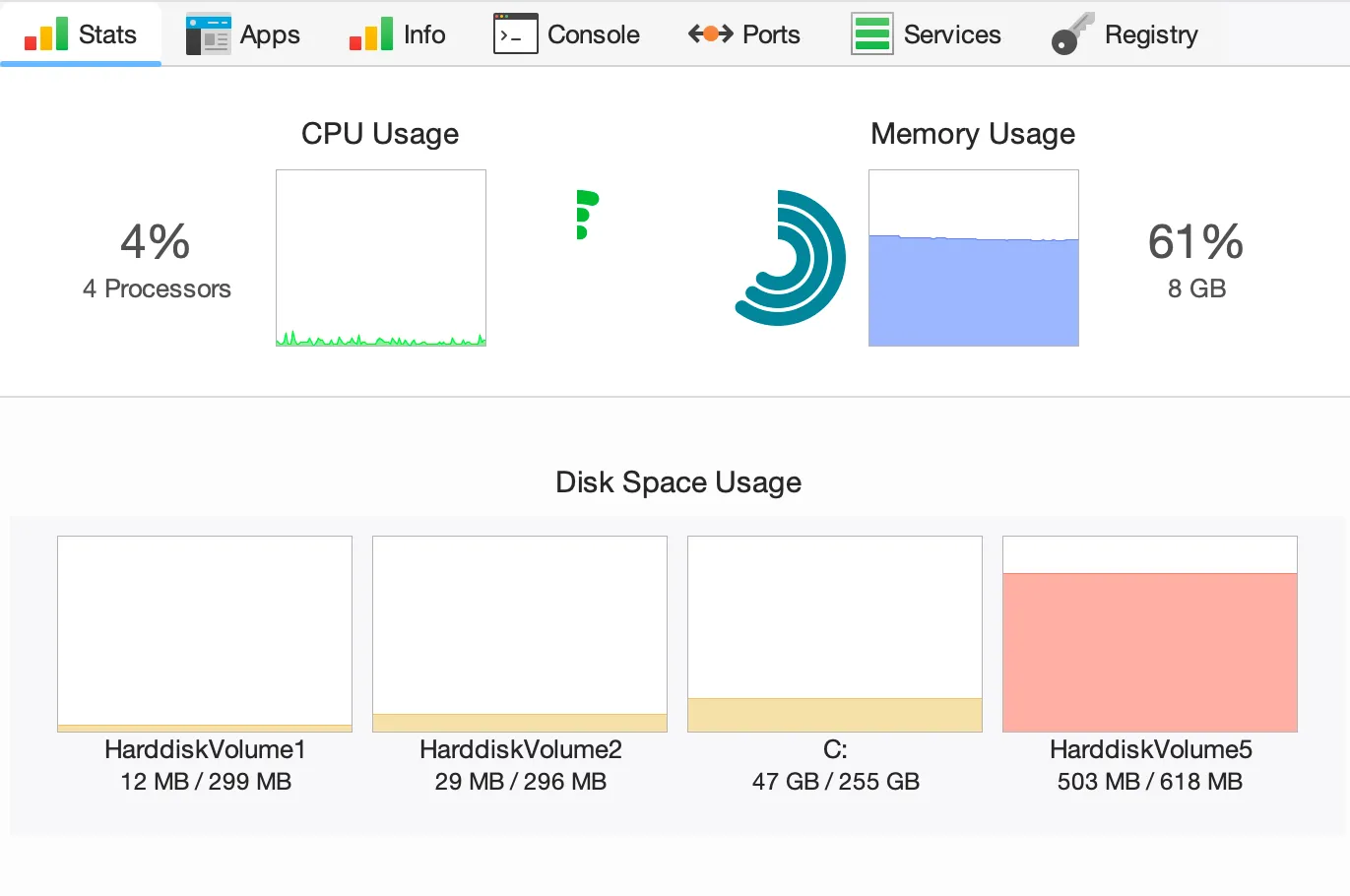
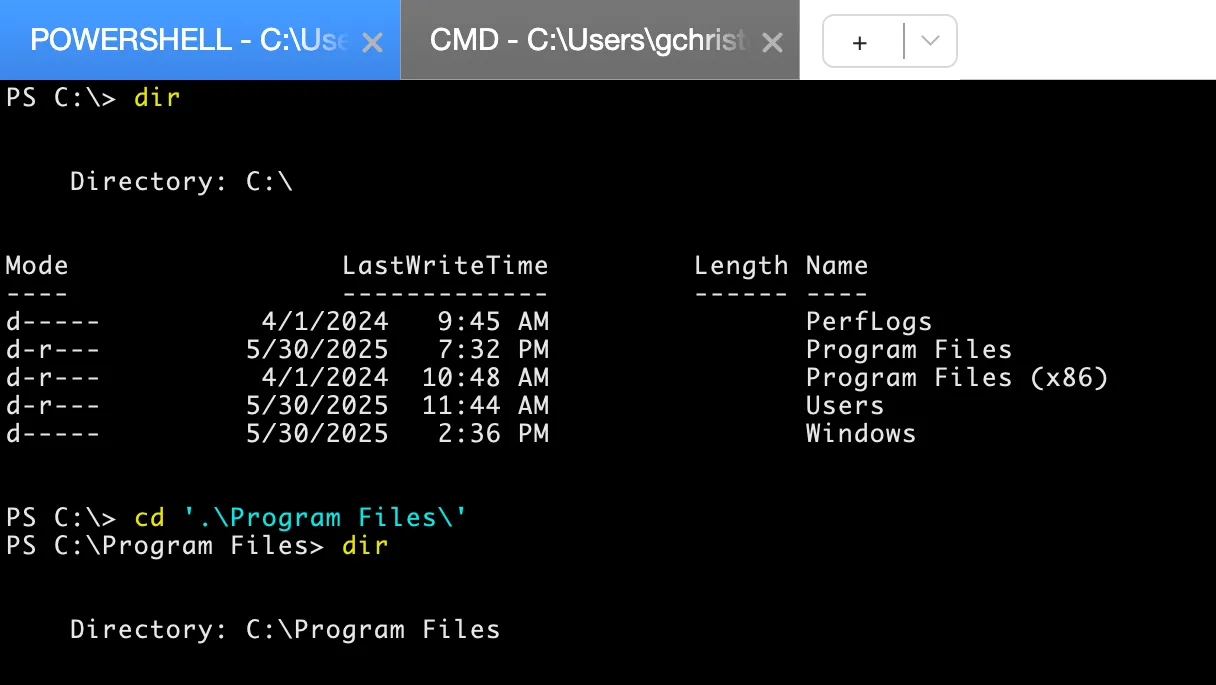
Monitoring, Alerts and RMM
Monitor every managed device, create powerful alerts and automatically take action when something needs attention.
Heading goes here
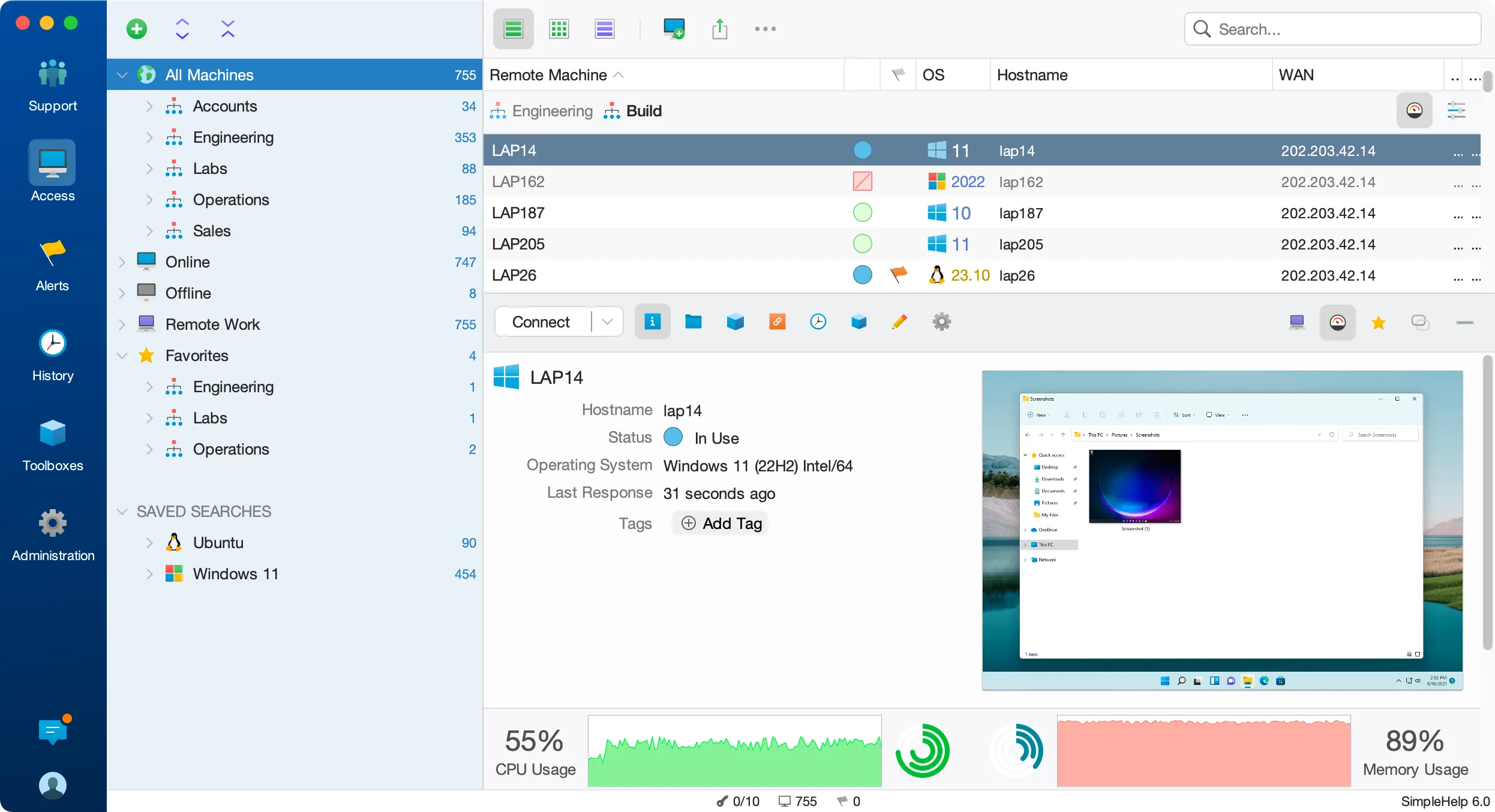

Monitor performance in real time

See remote screens at a glance

Scale to 100,000+ devices

Create powerful custom alerts

Build alerts with your own scripts

Take action across thousands of devices
Keep session data under your control
Session data is end-to-end encrypted and transmitted through networks you control.
Encryption everywhere
Data is encrypted in transmit and at rest using industry standard encryption implementations.
Control where connections come from
Control the location of who can access SimpleHelp with network IP restrictions.
Use your existing identity provider
Centrally manage authentication credentials using Active Directory, Entra ID, OpenID, LDAP or RADIUS.
Security audits and reports
Easily check the security of your SimpleHelp deployment using our built-in security audit.
Defence in depth
Take full control using the built in firewall, technician authorisation and many more security features.
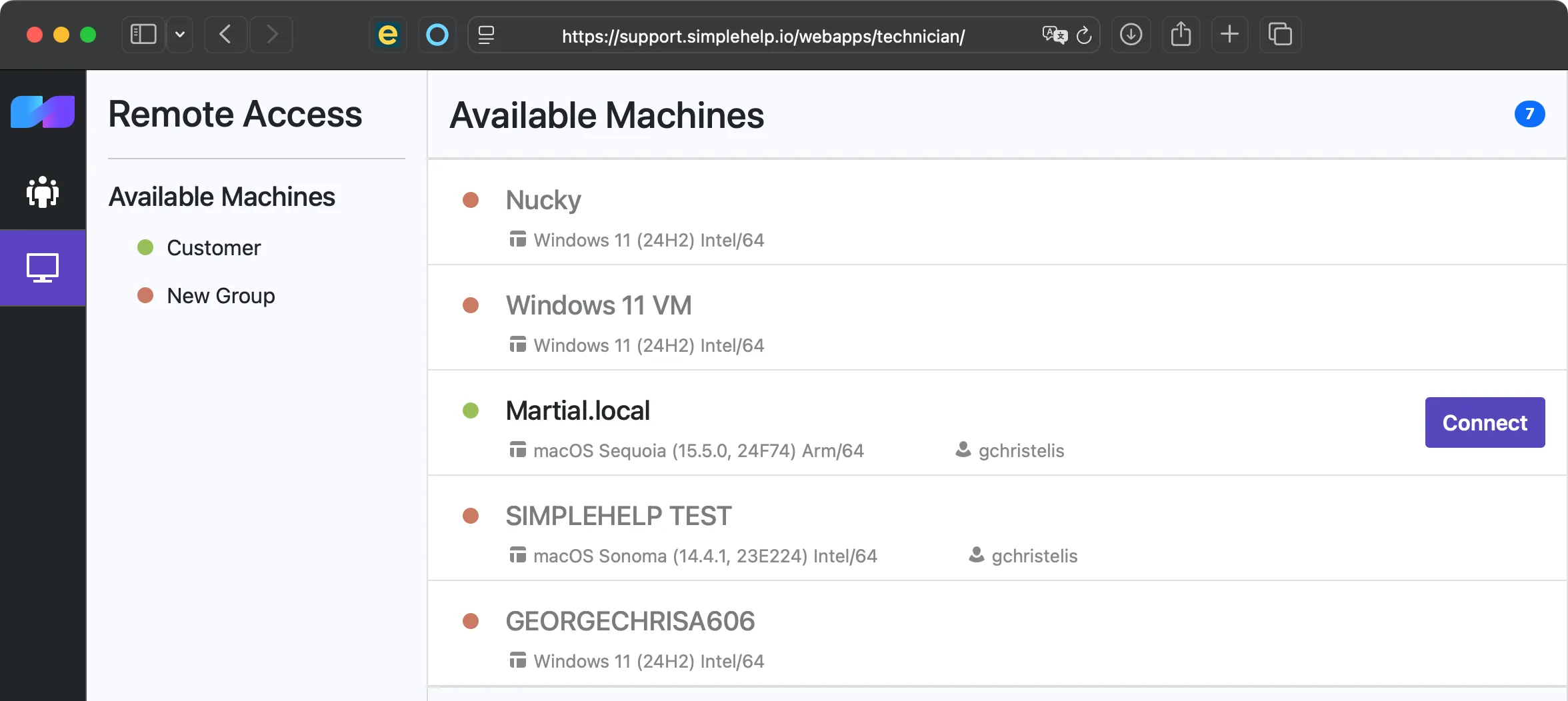
Secure remote access for your users
Give employees, customers or students secure access to their own computers through your SimpleHelp server, without a VPN or third-party remote access service.
Give users access to their own computers
Let employees and customers securely connect to assigned machines from wherever they’re working.
One machine or an entire computer lab
Assign individual computers or groups of machines to users, teams or students.
No VPN required
Users connect through your SimpleHelp server, with no separate VPN infrastructure to deploy or maintain.
Simple access management
Add users, assign machines and control access centrally from SimpleHelp.
Automate the work you shouldn’t have to repeat
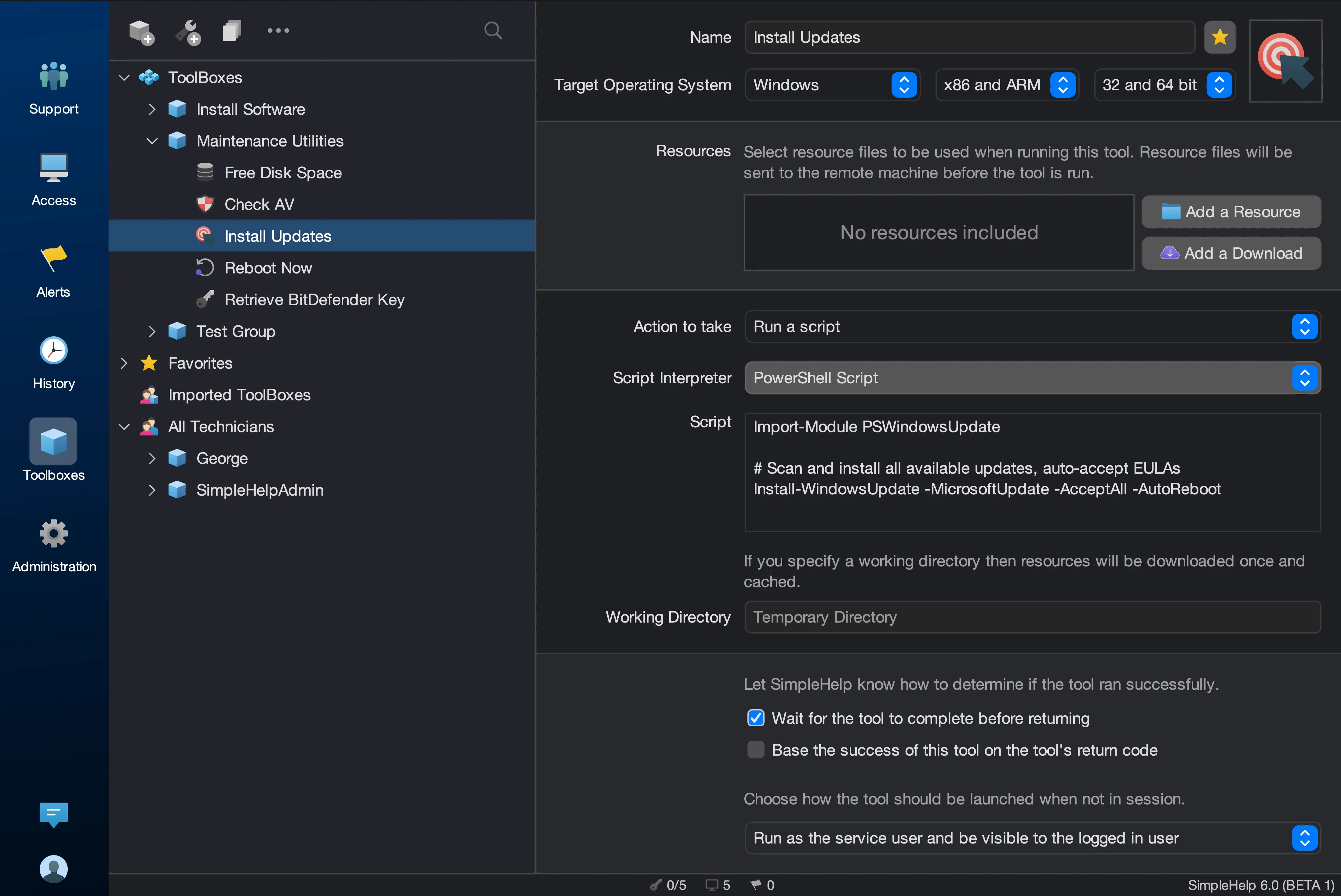

Run scripts and tools remotely

Schedule recurring maintenance

Use the scripting languages you already know

Deploy files and resources automatically

Chain tasks into powerful automations
Build deeper integrations with our scripting API
Built to support teams everywhere
SimpleHelp powers millions of remote sessions around the world, across every major desktop platform.
Built in language support


Full support for

Windows

Linux

macOS
Apps for
iPhone

Android
Know exactly what happened
Keep detailed, tamper-resistant records of remote access and technician activity, with session recordings and comprehensive audit history.
Record remote sessions
Automatically record sessions and securely upload recordings for later review.
Complete activity history
See when sessions happened, who connected and what actions were taken.
Access your data programmatically
Use the SimpleHelp Web API to integrate session and server data with your own systems.
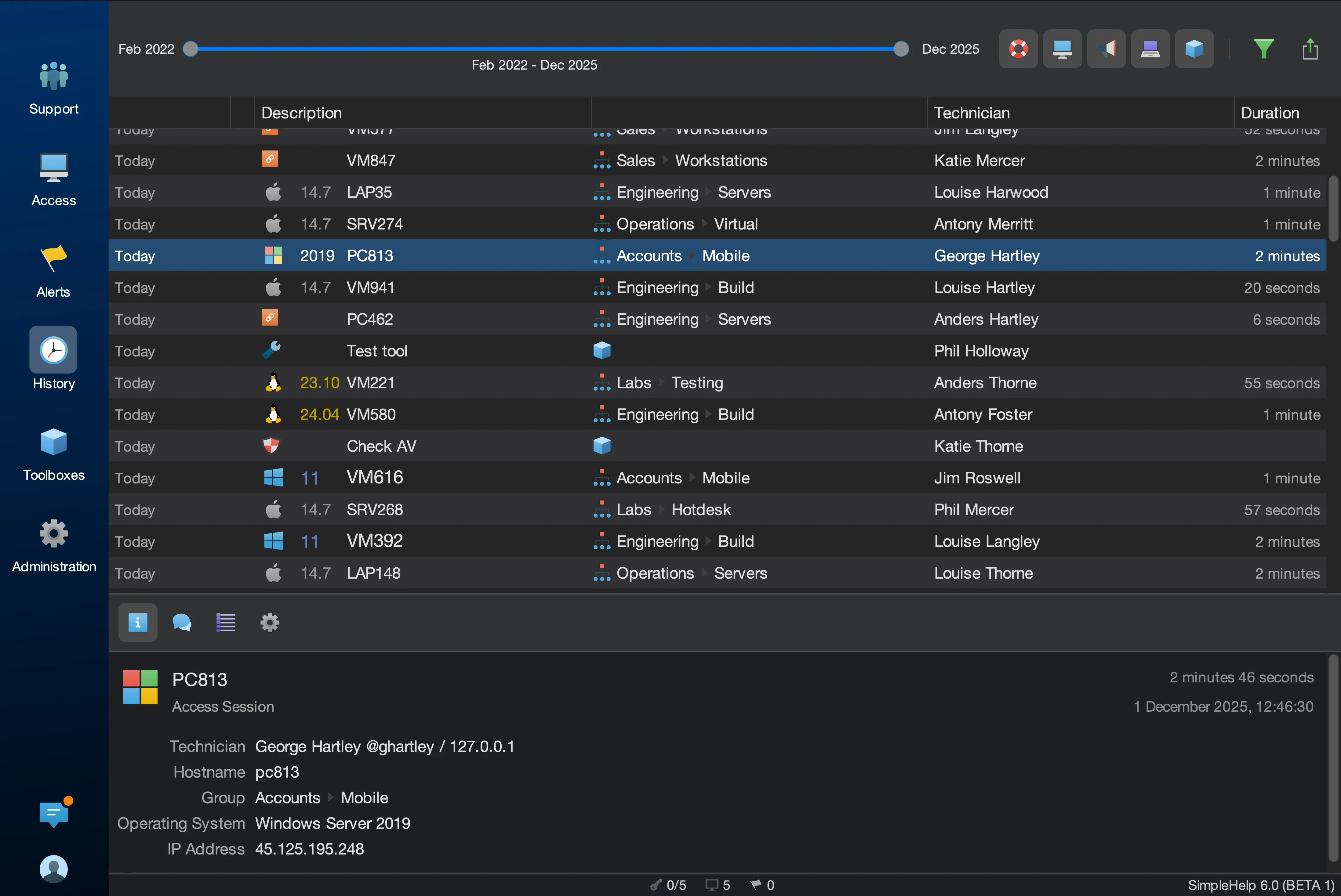
Give everyone the access they need
and nothing they don’t
Centrally manage technicians, authentication and permissions while maintaining a clear audit trail of activity across your team.
Integrate with your directory
Manage technicians using Active Directory, Entra ID and other supported authentication providers.
Protect accounts with MFA
Add multi-factor authentication for an extra layer of protection.
Granular access controls
Control which customers, machines and SimpleHelp features each technician can access.
See what your team is doing
Review technician activity with detailed reports and audit history.


