Wake from the console
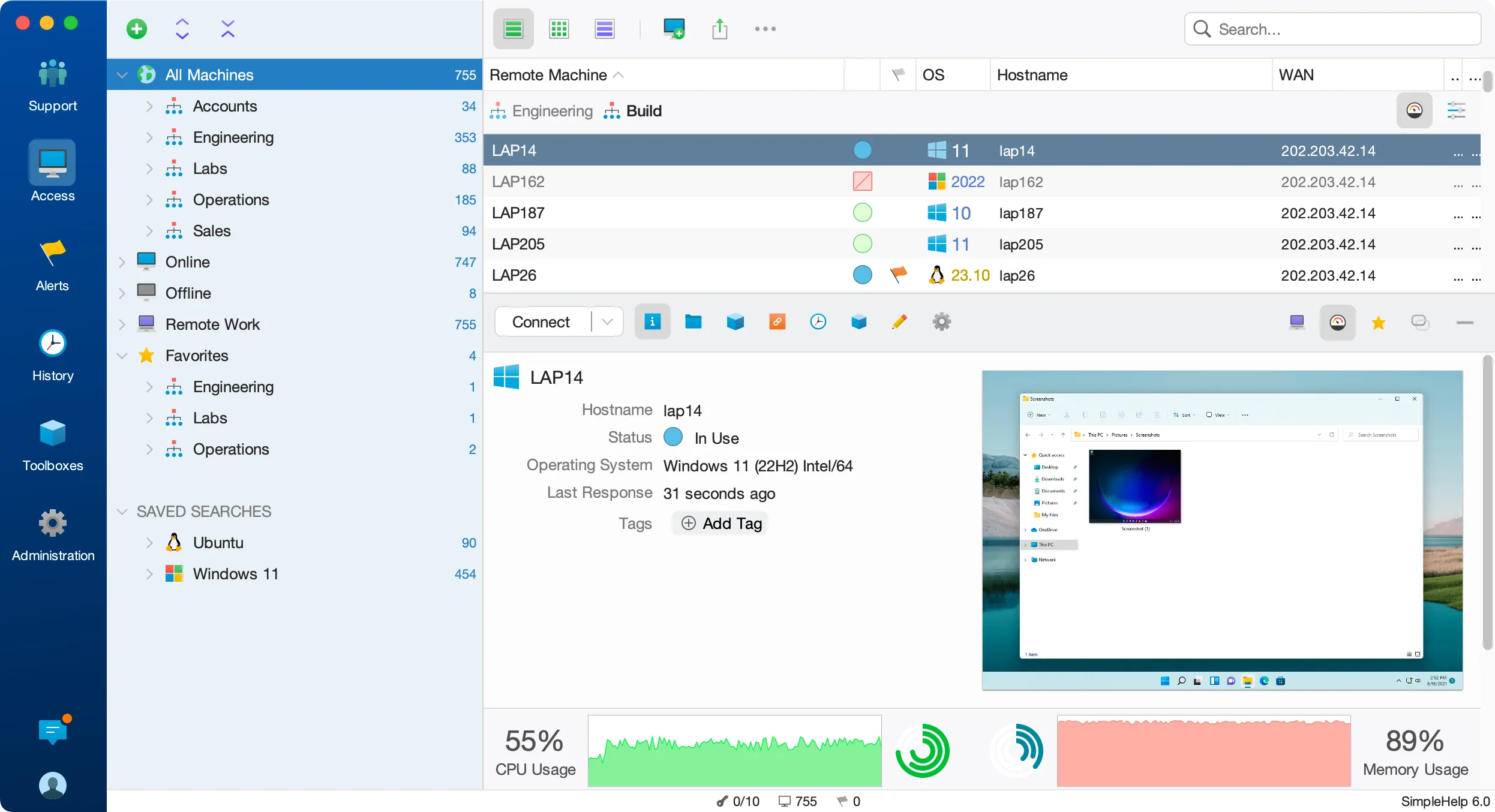
Select a sleeping machine and send a wake request from SimpleHelp, without separate tools.
Out-of-hours work is easier when machines do not need to be left running. With SimpleHelp, an online machine on the same network can wake its neighbours so you can connect and finish the job.
Wake-on-LAN is a network standard that powers on a computer when it receives a special "magic packet". It lets IT teams save energy by allowing machines to sleep, while still reaching them for maintenance when needed.
Use the machines you already manage to wake others on the same local network.
Select a sleeping machine and send a wake request from SimpleHelp, without separate tools.
An online Remote Access machine on the target network sends the wake packet, so no extra hardware is needed.
Once the machine starts, it reconnects to your server and is ready for a session, terminal or Toolbox run.
Let machines sleep overnight and at weekends while keeping them available for planned maintenance.
An office powers down its desktops each evening. When a technician needs to install an update overnight, they wake the machines through an online server in the same office, run the update tool and let them return to sleep afterwards.
Start with a few test devices and a workflow your team knows well.
The target computer's hardware, firmware and network adapter must support Wake-on-LAN and have it enabled, and another online SimpleHelp machine must be on the same local network.
Each site needs an online SimpleHelp machine on its local network to send the wake packet. Waking across routed networks depends on your network configuration.
Wake-on-LAN is most reliable on wired connections. Support on Wi-Fi depends on the device and its power settings.
Move files to and from remote computers during a session or in the background. SimpleHelp file transfer works on Windows, macOS and Linux through your own server.
ExploreOpen PowerShell, Command Prompt or a Linux and macOS shell on remote machines. SimpleHelp terminal sessions work alongside remote desktop on your own server.
ExploreRecord remote sessions and keep a detailed history of who connected, when and what they did. SimpleHelp stores recordings and logs on your own infrastructure.
ExplorePut SimpleHelp to work with your own machines and technicians. Every feature, free for 30 days.
Start Free Trial

