Browse both sides
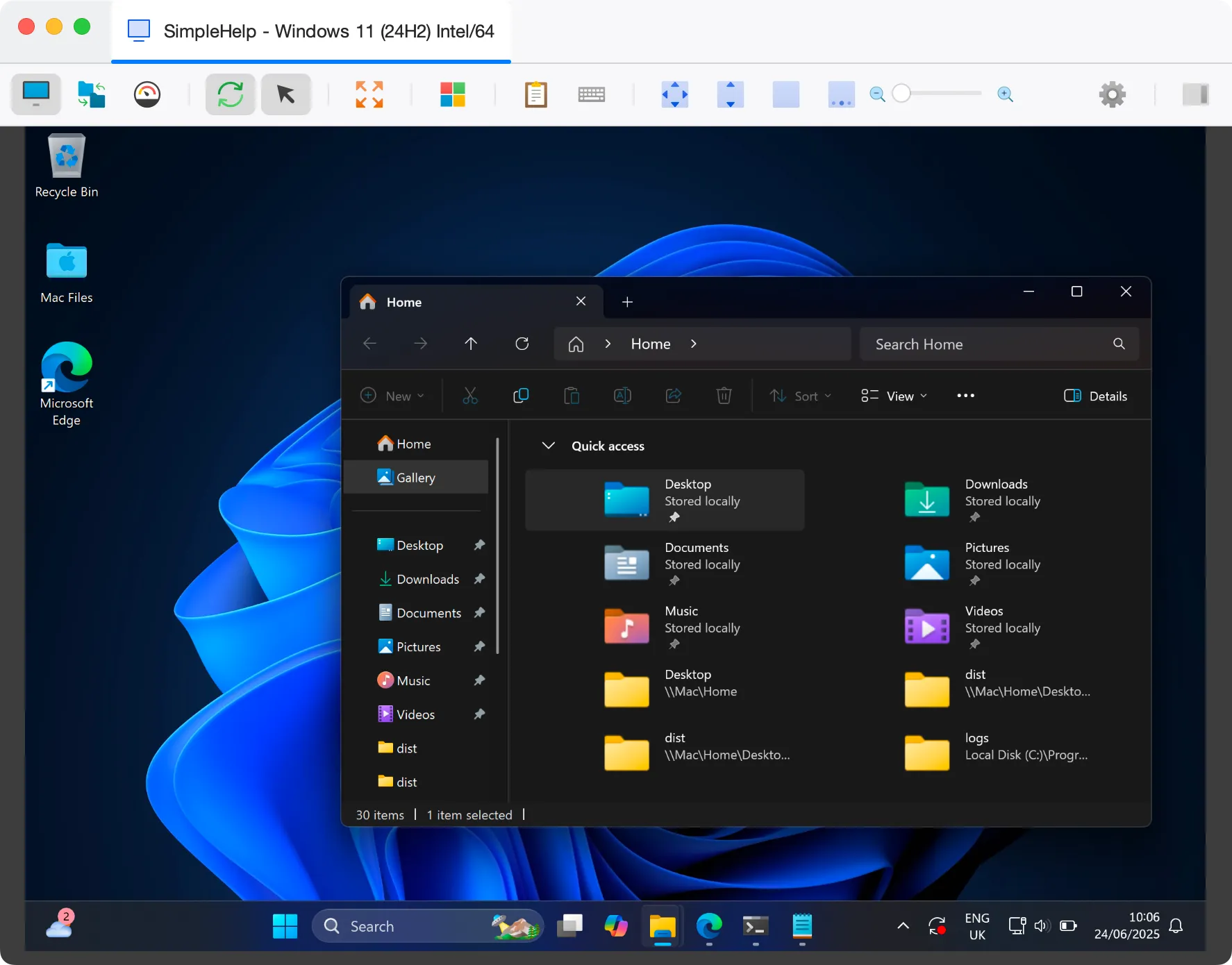
See the local and remote file systems side by side, then drag files across, create folders and tidy up as you go.
Send a log file back, push an installer out, or copy a configuration between two machines. SimpleHelp makes moving files to and from remote computers part of the everyday support workflow.
Remote file transfer lets a technician browse the file system on a remote computer and copy files in either direction. It avoids email attachments, shared drives and USB sticks, and keeps the transfer inside your secure SimpleHelp connection.
Use a dedicated File Transfer mode or move files while you are in a remote control session.
See the local and remote file systems side by side, then drag files across, create folders and tidy up as you go.
Move files in the background while the user carries on working, without taking control of their screen.
Copy files between remote machines through your server, useful when migrating a user to a new computer.
Bundle installers and configuration files with Toolbox tools so they arrive automatically wherever the tool runs.
An application keeps crashing for one user. The technician opens a background file transfer, collects the application logs and crash dumps, and reviews them without interrupting the user's work. Once a fix is ready, the corrected configuration file goes back the same way.
Start with a few test devices and a workflow your team knows well.
Yes. Files travel inside your encrypted SimpleHelp connection, through the server you control.
Yes. Technician permissions let you control which features, including file transfer, each technician group can use.
Yes. File transfer is available for Windows, macOS and Linux machines.
Connect to unattended computers and servers at any time. SimpleHelp unattended access runs through your own server, with permissions, MFA and full history.
ExploreHelp customers in minutes. They download a small support app and join your queue with no account to create. Branded, self-hosted and simple for first-time callers.
ExplorePut your own name, logo and colours on remote support. SimpleHelp lets you brand the customer app, download pages and web pages, on your own domain and server.
ExplorePut SimpleHelp to work with your own machines and technicians. Every feature, free for 30 days.
Start Free Trial

