Record sessions automatically
Configure which sessions are recorded and upload recordings securely for later review.
When a customer asks what changed, or an auditor asks who had access, you need a clear answer. SimpleHelp records sessions and keeps a detailed history of technician activity on your own server.
Session recordings and audit logs create a reviewable record of remote access. They support training, dispute resolution, security investigations and internal policies, and they encourage consistent working practices across a team.
Combine recordings, history and reports to see what your team is doing and how your service is running.
Configure which sessions are recorded and upload recordings securely for later review.
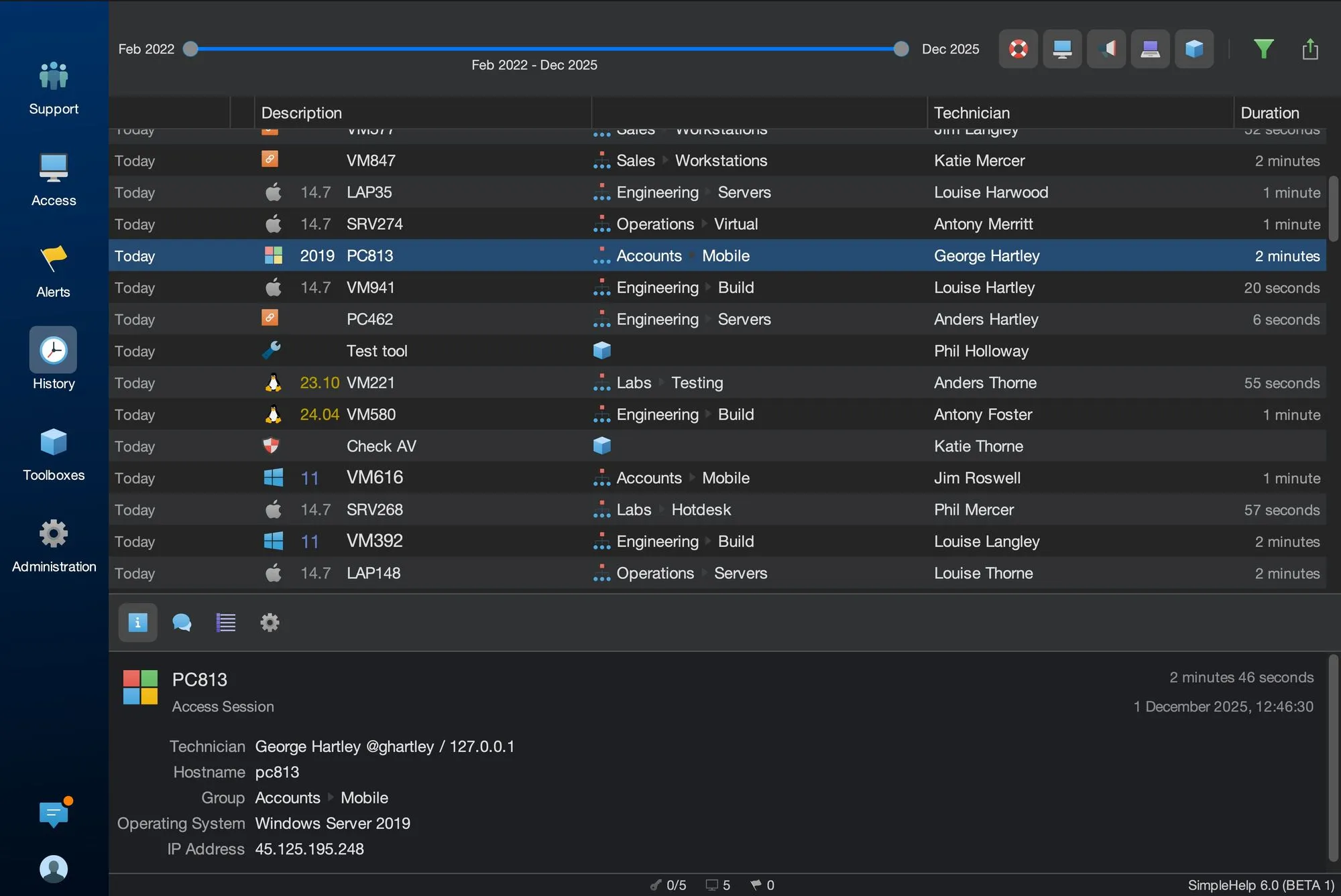
See who connected to which machine, when, for how long and from which address, including tool runs and configuration changes.
Recordings and logs stay on infrastructure you control, with retention and deletion settings you decide.
Use the SimpleHelp Web API to pull session history into billing, ticketing or reporting systems.
A configuration change on a file server caused an outage. The IT manager filters History by machine and date, finds the session, sees which technician connected and reviews the recording to understand the sequence of changes. The team uses the recording to update its change process.
Start with a few test devices and a workflow your team knows well.
Recordings are stored on your SimpleHelp server or a location you configure, under your control.
Yes. Recording and upload behaviour is configurable, so you can match your support and audit requirements.
Yes. You can review history in the Technician Console and access session data through the Web API for your own reports.
Put your own name, logo and colours on remote support. SimpleHelp lets you brand the customer app, download pages and web pages, on your own domain and server.
ExploreRun PowerShell, Bash, Python and other scripts across many remote computers at once. Collect output and return codes, schedule runs and repeat with one click.
ExploreMove files to and from remote computers during a session or in the background. SimpleHelp file transfer works on Windows, macOS and Linux through your own server.
ExplorePut SimpleHelp to work with your own machines and technicians. Every feature, free for 30 days.
Start Free Trial

