Choose the server location
Place SimpleHelp where it fits your infrastructure and data-location requirements. Your organisation chooses the provider, network and region, and can align the deployment with its own operating policies.
Choose where your remote access platform runs and how it is managed. With SimpleHelp, you deploy the server on infrastructure you control and bring remote support, unattended access and monitoring into your own environment.
With self-hosted remote access, your organisation operates the server that connects technicians, users and remote machines. You choose the hosting location and manage the deployment, rather than relying on a vendor-operated remote access server.
Self-hosting can mean a server on your premises, a private cloud or a hosting provider you choose. The benefit is control over the decisions that shape your service.
Place SimpleHelp where it fits your infrastructure and data-location requirements. Your organisation chooses the provider, network and region, and can align the deployment with its own operating policies.
Integrate with supported authentication providers such as Active Directory, Entra ID, OpenID, LDAP or, in Enterprise, RADIUS. Configure multi-factor authentication and permissions to control which technicians can reach which machines.
Plan SimpleHelp updates around your own testing and maintenance schedule. Manage the server, backups and recovery process alongside your other business systems.
Self-hosting includes the wider SimpleHelp workflow: attended support, unattended access, diagnostics, monitoring and scripting. Choose the edition that includes the capabilities your team needs.
Start with the machines and people who need to connect, then choose a server location and configure network access, TLS and authentication. Define technician permissions, test connections from the locations you support and establish a backup and update routine before expanding the deployment.
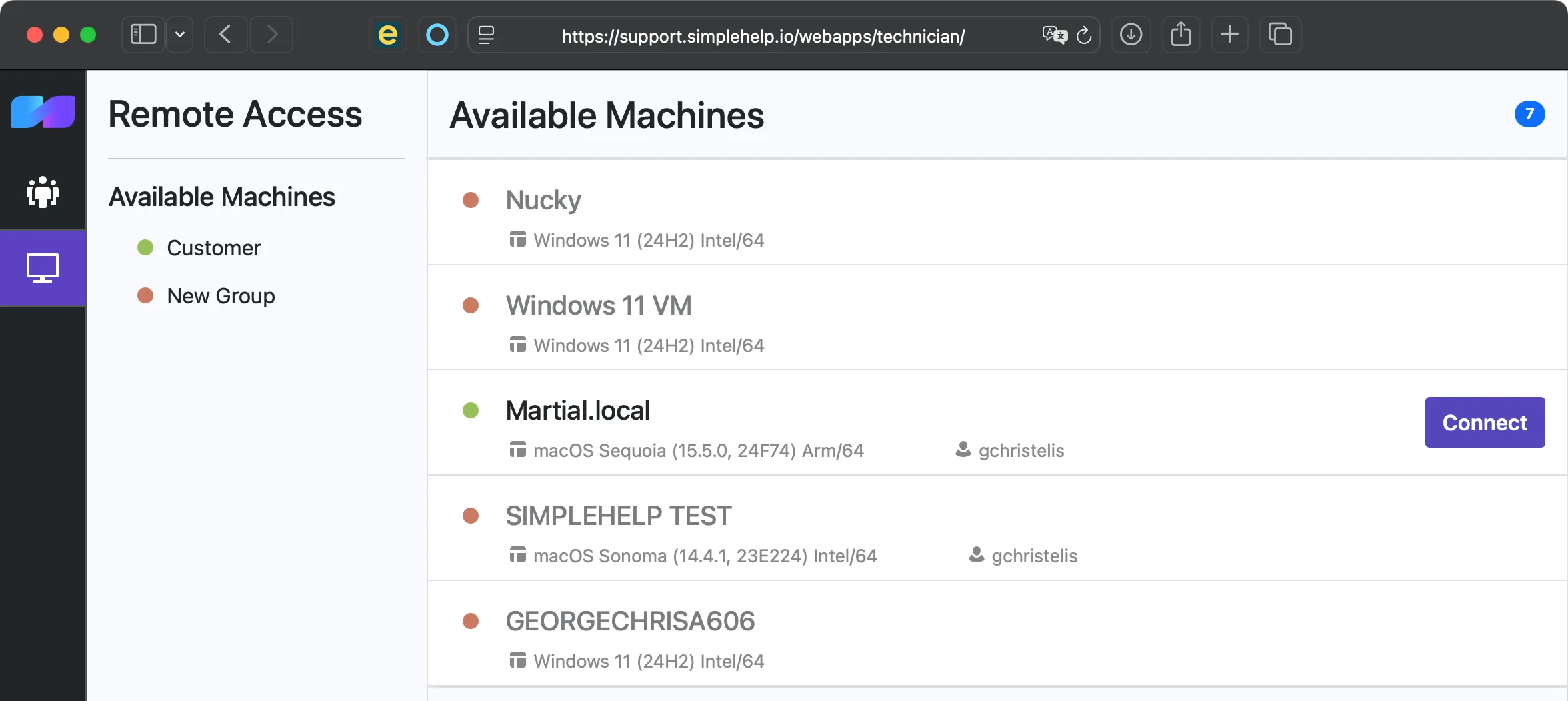
Start with a few test devices and a workflow your team knows well.
No. You can run SimpleHelp on-premise, in your private cloud or with a hosting provider. You choose the infrastructure and remain responsible for managing the deployment.
Your organisation or chosen service provider manages the server, operating system, backups and deployment. SimpleHelp provides the software, updates and support according to your licence and support plan.
Security depends on configuration and ongoing maintenance as well as the software. SimpleHelp provides authentication, permissions, encryption controls and a built-in security audit to help you review your setup.
Access unattended computers and servers with SimpleHelp. Remote desktop, file transfer and terminal tools, through a server you control.
ExploreHelp users with on-demand remote support and unattended access. SimpleHelp combines remote control, diagnostics and file transfer on your own server.
ExploreMonitor device health, create alerts and automate maintenance with self-hosted RMM. SimpleHelp combines remote machine management with support and access.
ExplorePut SimpleHelp to work with your own machines and technicians. Every feature, free for 30 days.
Start Free Trial

