Organise by customer
Use nested machine groups and technician groups to keep each customer's machines separate and visible only to the right people.
Your customers trust you with their systems. SimpleHelp lets you support and manage them from a platform you run, under your brand, with pricing that does not punish growth.
Managed service providers need to separate customers, control which technicians can reach which systems, present a professional brand and keep margins healthy as they add endpoints. They also need remote support, monitoring and automation to work together.
Organise, secure and scale support across all of your customers.
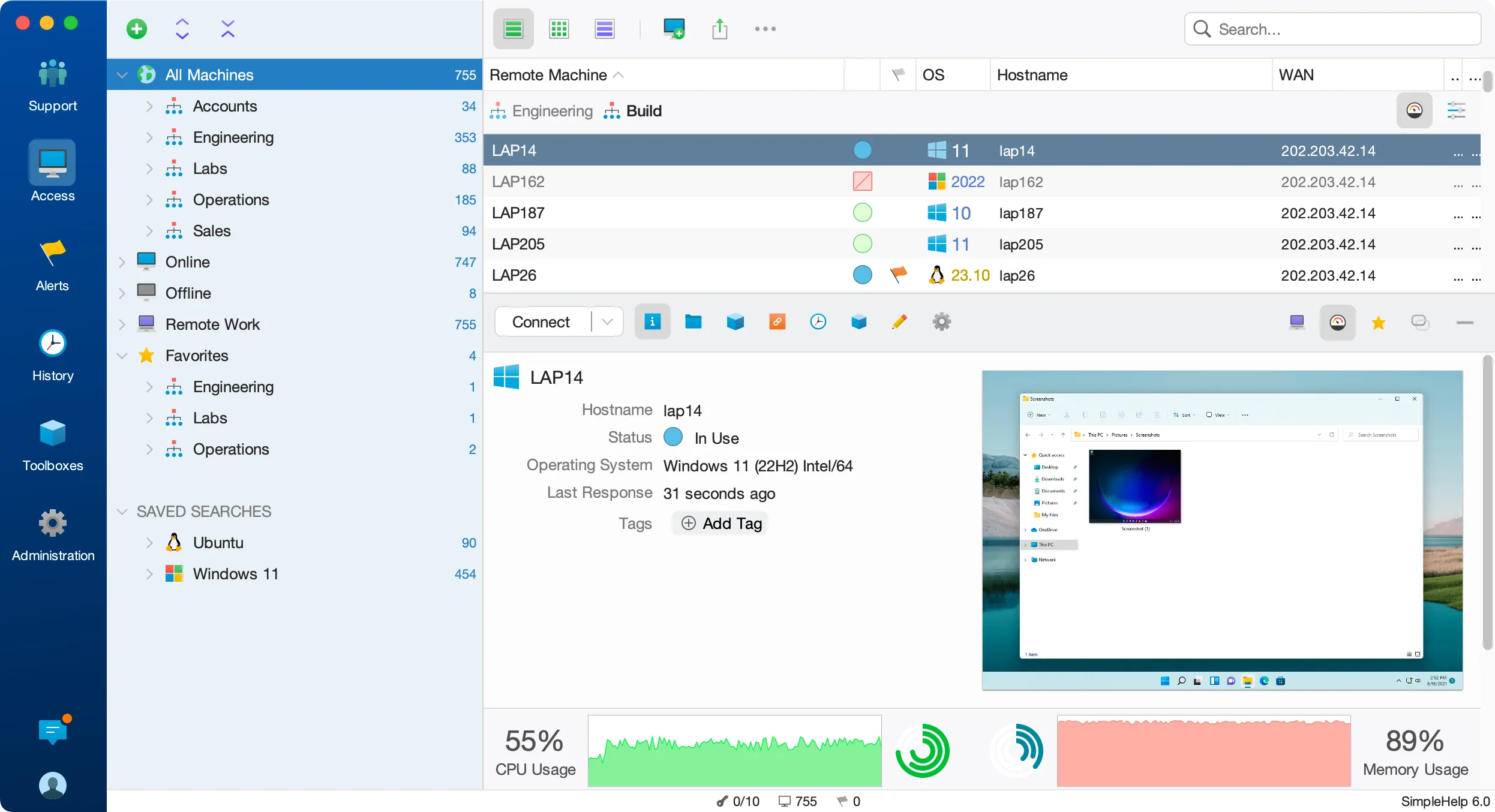
Use nested machine groups and technician groups to keep each customer's machines separate and visible only to the right people.
Brand the customer app and pages, and run on your own hostname, so customers see your service.
Give customers' own IT staff technician accounts limited to their machines, or use Remote Work so their users can reach their own computers.
Session-based licensing means adding customers and endpoints does not automatically add to your licence cost.
An MSP signs a new 80-seat customer. It creates a customer group, pushes the Remote Access Service with Mass Deployment, applies its standard monitoring and maintenance tools, and gives the customer's technicians access to their own machines only.
Start with a few test devices and a workflow your team knows well.
Yes. Machine groups, technician groups and permissions control which technicians and customers can see which machines. All customers share your server rather than separate databases.
Yes. Create technician accounts in groups that can only see that customer's machines, with the features you choose.
Yes. The Web API lets you pull session history for billing and query machines and monitoring data from your own systems.
Secure remote access for factory floors, OT networks and industrial PCs. Self-hosted SimpleHelp with Condensers, offline licensing and full audit history.
ExploreRemotely support point-of-sale systems, kiosks and digital signage across every location. Unattended access, monitoring and scripting with SimpleHelp.
ExploreGive your internal help desk fast remote support, unattended access and diagnostics. Queues, directory sign-in and history in a self-hosted SimpleHelp server.
ExplorePut SimpleHelp to work with your own machines and technicians. Every feature, free for 30 days.
Start Free Trial

