Terminal without open ports
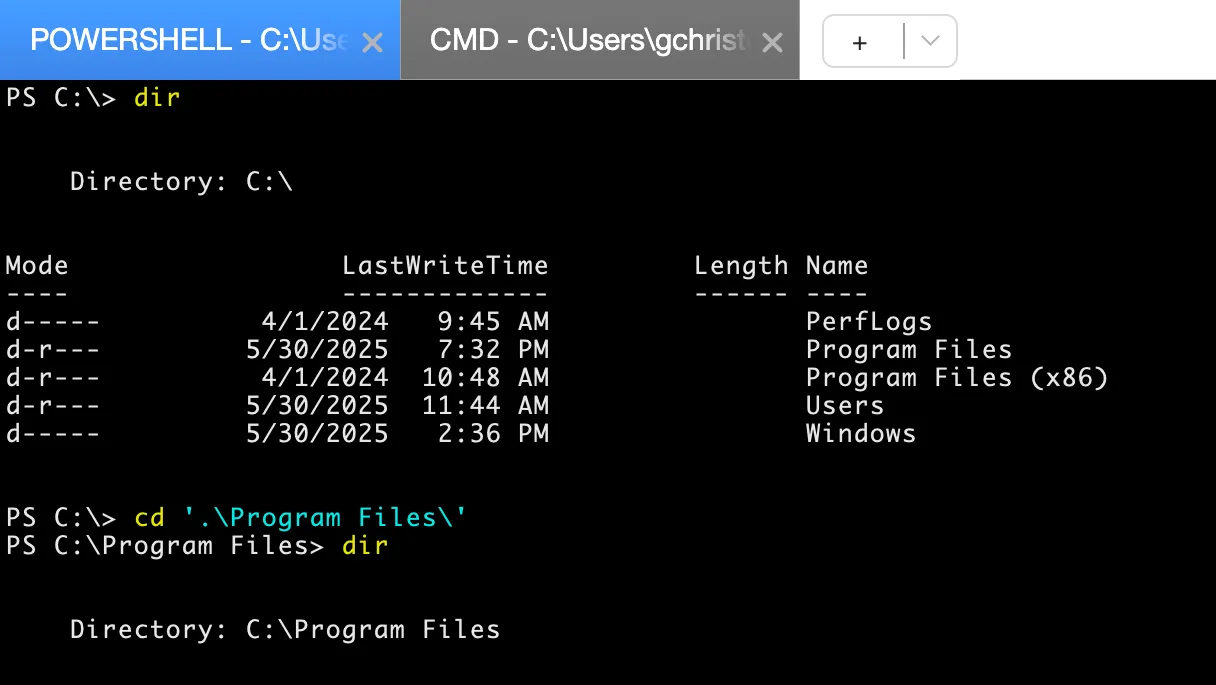
Open a shell through the Remote Access Service, with no inbound SSH or RDP port required on the server.
Most servers never need a desktop. SimpleHelp gives you terminal access, file transfer, monitoring and automation for headless machines, without opening SSH or RDP to the internet.
SSH is excellent, but exposing it across many networks means managing firewall rules, keys, jump hosts and audit trails yourself. SimpleHelp connects outbound to your server, so you get controlled, logged access without opening inbound ports on each machine.
Manage servers from the same console as the rest of your estate.
Open a shell through the Remote Access Service, with no inbound SSH or RDP port required on the server.
Transfer logs, backups and configuration files through your encrypted SimpleHelp connection.
Watch CPU, memory and disk usage, and create alerts with your own scripts for application-specific checks.
Schedule maintenance tools across server groups and collect the output from each.
An operations team needs to apply a configuration change to forty Linux servers. They run a Toolbox tool across the server group, review the output from each server, and open a terminal on the two that reported errors. Every action is recorded in History.
Start with a few test devices and a workflow your team knows well.
No. The Remote Access Service connects out to your SimpleHelp server, so remote machines do not need inbound ports opened.
Yes. Use terminal sessions, file transfer, diagnostics and Toolbox tools, or connect to the desktop when needed.
Place servers in their own groups and grant access only to the technician groups that need it.
Manage Raspberry Pi and other ARM Linux devices remotely. Terminal, file transfer, monitoring and scripting through your own SimpleHelp server.
ExploreSupport Windows, macOS and Linux from one platform, with customer help for Android and iOS. One console, one server, every machine you manage.
ExploreRemote desktop, terminal and file transfer for Linux machines. Support Linux desktops and servers from the same console as Windows and Mac, on your own server.
ExplorePut SimpleHelp to work with your own machines and technicians. Every feature, free for 30 days.
Start Free Trial

