Windows, macOS and Linux
Provide attended support and unattended access across all three major desktop platforms.
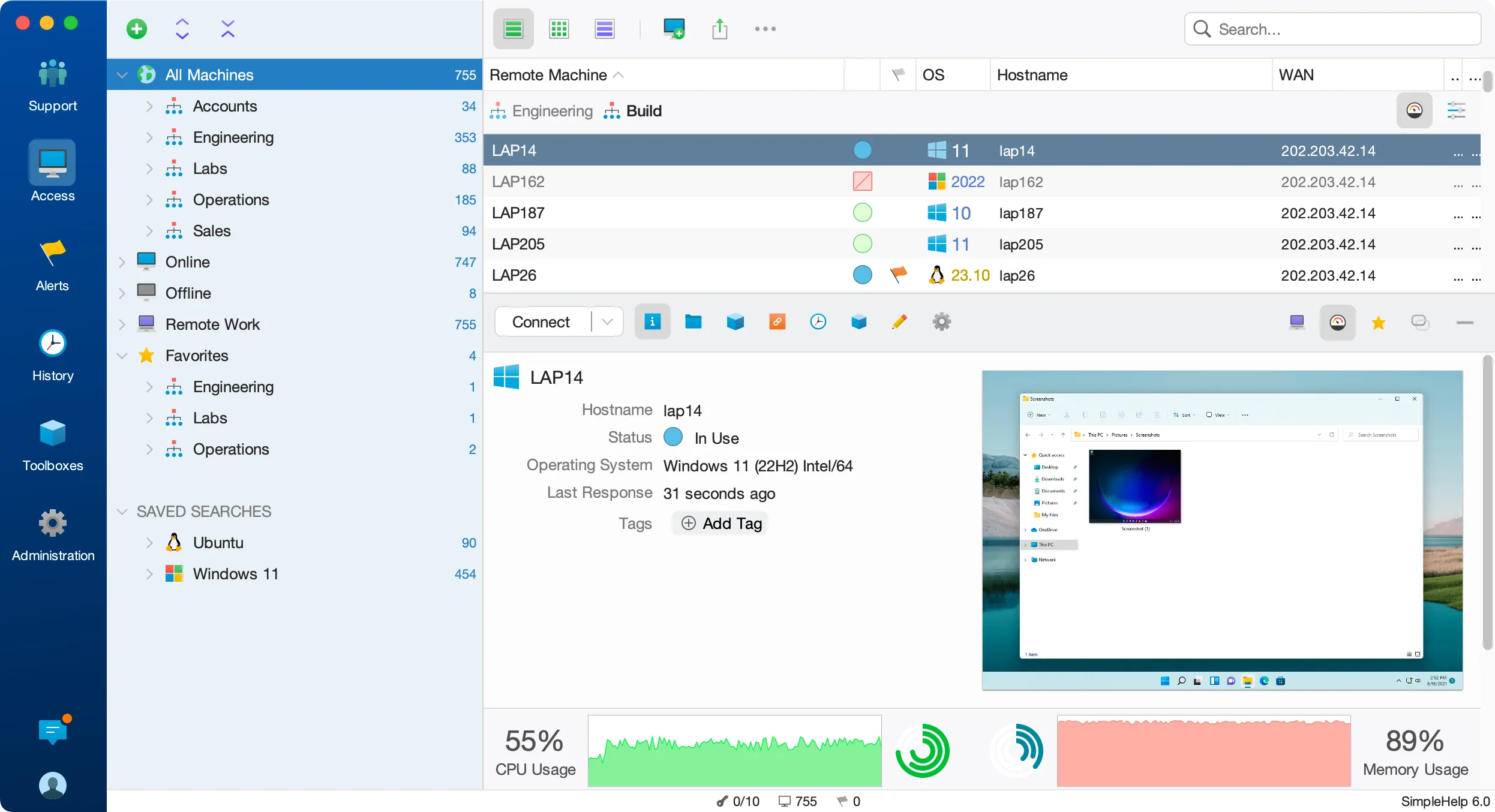
Mixed environments are the norm. SimpleHelp lets your team support Windows, macOS and Linux from the same console, with the same tools and the same permissions.
Many remote support tools treat anything other than Windows as an afterthought. When your estate includes Mac laptops, Linux servers and Windows desktops, separate tools mean separate workflows, separate costs and gaps in your view of the estate.
Technicians use the same console and the same tools whatever the remote machine runs.
Provide attended support and unattended access across all three major desktop platforms.
Run the Technician Console on Windows, macOS or Linux, or use WebTech from a browser.
Customers on Android and iOS can use the support app for chat and, with their approval, screen viewing.
Build tools for each target operating system and keep them together in the same toolbox.
A design agency runs Mac workstations, a Linux file server and Windows laptops for its finance team. One technician supports all of them from a single SimpleHelp console, using the right tool for each platform without switching products.
Start with a few test devices and a workflow your team knows well.
Yes. The Technician Console runs on Windows, macOS and Linux, and WebTech works from a browser.
Customers on Android and iOS can chat and share their screen for viewing with their approval. Full remote control is available for desktop operating systems.
Core remote control, file transfer and terminal access work across desktop platforms. Some capabilities depend on operating system features, such as Windows registry tools.
Manage headless Linux and Windows servers without exposing SSH or RDP. Terminal, file transfer, monitoring and scripting through your own SimpleHelp server.
ExploreSupport Mac users and manage macOS machines remotely. Attended and unattended access, file transfer, terminal and scripting from one SimpleHelp console.
ExploreManage Raspberry Pi and other ARM Linux devices remotely. Terminal, file transfer, monitoring and scripting through your own SimpleHelp server.
ExplorePut SimpleHelp to work with your own machines and technicians. Every feature, free for 30 days.
Start Free Trial

