Health checks on demand
Check disk space, uptime, services, installed software and event logs across a group in one request.
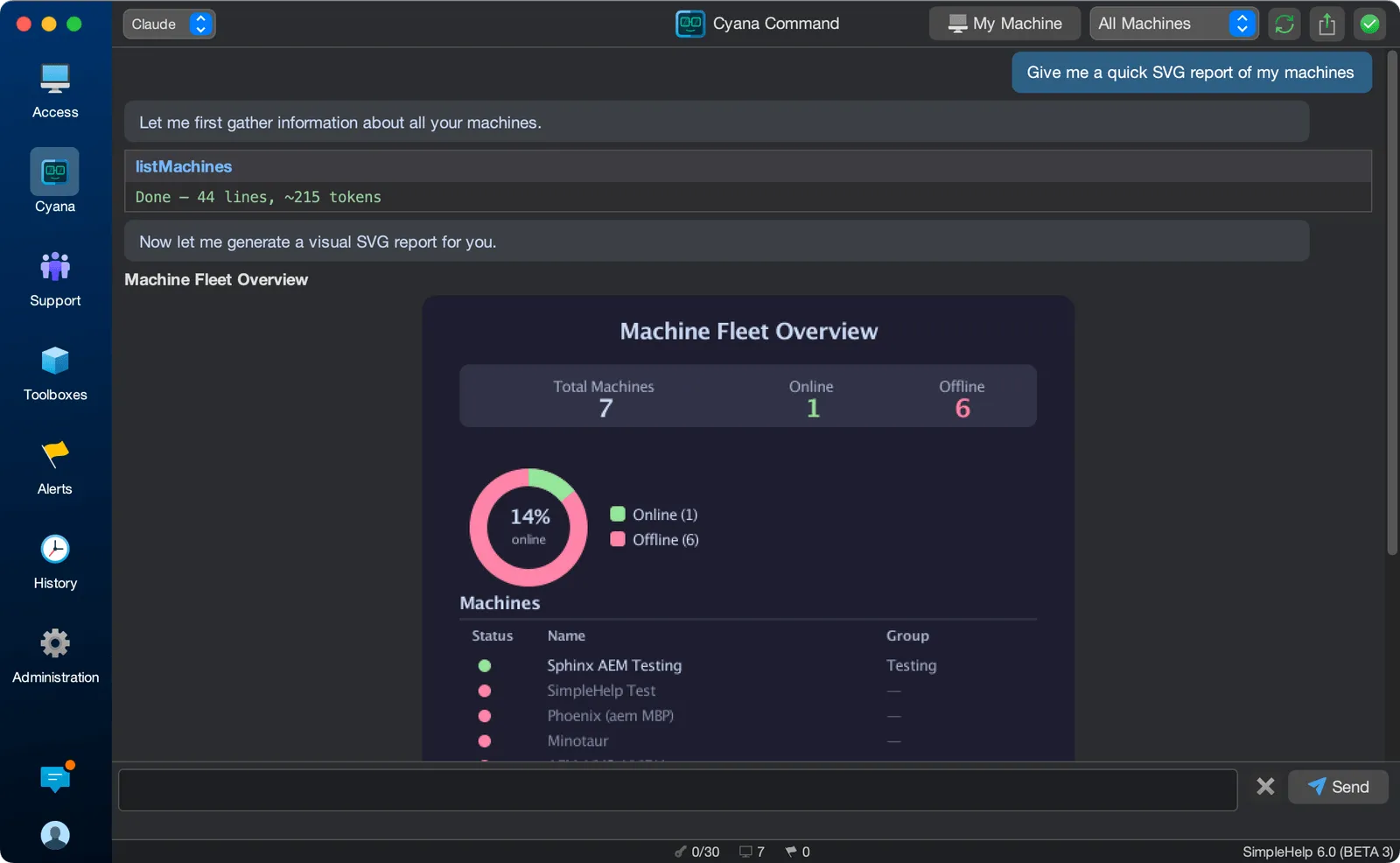
Health checks, inventories and audits usually mean collecting data, cleaning it up and formatting a report. With Cyana, you ask for the report you need and get it, built from live data across your fleet.
Reporting on an IT estate means pulling information from many machines and turning it into something people can act on. AI can do both steps: gather the right data from each machine and present it as a clear summary, table or visual report.
Turn questions about your estate into structured, shareable answers.
Check disk space, uptime, services, installed software and event logs across a group in one request.
Run a fleet-wide health check on a prospective customer's machines to scope the work before writing a proposal.
Ask for summaries, tables, charts or HTML reports that are ready to share with managers or customers.
Follow up on anything unexpected: ask what changed, check related systems or open a session.
An MSP is preparing a proposal for a new 120-machine customer. After installing the Remote Access Service, it asks Cyana for a health check covering operating system versions, disk space, uptime and antivirus status. The resulting report shapes the proposal and the onboarding plan.
Start with a few test devices and a workflow your team knows well.
Anything SimpleHelp can gather from your machines, including system information, services, processes, installed software, disk usage and event logs, subject to permissions.
Yes. Results and conversations can be exported for sharing and record-keeping.
Read-only reporting gathers information without making changes. Any action that changes machines is presented for review.
Use AI for IT operations without sending data to a cloud you do not choose. Cyana works with on-premise models and the provider of your choice.
ExploreHelp your MSP do more with the same team. Cyana brings AI fleet queries, diagnostics and automation to SimpleHelp, at $0.20 per machine per month.
ExploreDescribe the task and let Cyana write the PowerShell, Bash or Python script, then save it as a reusable SimpleHelp Toolbox tool and run it across your fleet.
ExplorePut SimpleHelp to work with your own machines and technicians. Every feature, free for 30 days.
Start Free Trial

