If you manage a web application or internal service, your HTTP headers are quietly doing a lot of heavy lifting. But most deployments leave them misconfigured, or worse, which means you're handling a constant trickle of robots.txt probes, security scanner traffic, and crawler noise by hand, or not handling it at all.
This post covers the headers that matter most for common operational headaches: keeping crawlers and scanners in their lane, signalling to clients what your service expects, and stopping a whole class of automated nuisance traffic before it reaches your application logic.
In this post
- Telling crawlers what to do with X-Robots-Tag
- Handling security scanner noise
- Headers that reduce automated probing
- A practical baseline configuration
The robots.txt problem and why a header is often better
robots.txt is well understood, but it has a fundamental limitation: it lives at the root of your domain. If you have a multitenant app, a staging environment reachable by public DNS, or an API endpoint you would rather not have indexed, you cannot always rely on a single file to cover every case.
The X-Robots-Tag response header does the same job as a <meta name="robots"> tag, but it works for any content type (PDFs, JSON endpoints, binary downloads) not just HTML. More importantly, it can be set per response, which means your application logic or reverse proxy can make granular decisions.
# Nginx: prevent indexing of your staging environment entirely add_header X-Robots-Tag "noindex, nofollow" always; # Or just block snippet generation while allowing indexing add_header X-Robots-Tag "nosnippet" always;
The always parameter in Nginx matters here, without it, the header is only added on 2xx responses. You want it on 404s and redirects too, otherwise crawlers that hit broken staging URLs still walk your site.
Good to know: Google, Bing, and most major crawlers honour X-Robots-Tag. Rogue scrapers and AI training crawlers typically do not, but that is a separate problem, and headers alone will not solve it.
Security scanner noise
If you run any publicly accessible service, you will see a steady stream of requests probing for /.env, /wp-admin, /phpmyadmin, /actuator/health, and hundreds of other paths your application almost certainly does not serve. Most of this is automated scanner traffic (Shodan, Nuclei, commercial vulnerability scanners) doing their job.
The right response is not to try and block these outright (they will rotate IPs faster than you can ban them), but to respond in a way that wastes as little of your infrastructure as possible and gives away as little information as you can.
Remove the Server header
By default, most web servers announce exactly what they are:
Server: nginx/1.25.3
This is a gift to automated scanners. They use it to narrow down which CVEs to try. Suppressing or spoofing it will not stop a determined attacker, but it does filter out a large chunk of opportunistic scan traffic that is just looking for easy targets.
# Nginx server_tokens off; # Apache ServerTokens Prod ServerSignature Off
X-Content-Type-Options
This header stops browsers from MIME sniffing a response away from its declared content type. It is a single line and there is no good reason not to have it:
add_header X-Content-Type-Options "nosniff" always;
Content-Security-Policy for API endpoints
If you are serving a pure API that should never be loaded in a browser frame or embedded anywhere, a tight CSP communicates that clearly and helps deflect a category of clickjacking and injection probes:
add_header Content-Security-Policy "default-src 'none'" always;
For API only endpoints this is perfectly safe; there is no UI to break. For web apps, CSP needs considerably more thought, but the principle of least privilege still applies.
Headers that reduce automated probing at the network edge
A few headers are specifically aimed at reducing how much information your service leaks to anyone watching, including scanners that fingerprint services by their response characteristics.
Referrer-Policy
Controls how much information about the originating page is sent with outbound requests. For internal tooling or any service where you do not want request paths leaking to third party resources:
add_header Referrer-Policy "no-referrer" always;
Permissions-Policy
Formerly Feature-Policy, this tells the browser which platform features your application needs, and implicitly, which ones it does not. Locking it down reduces the attack surface for any XSS that does slip through:
add_header Permissions-Policy "camera=(), microphone=(), geolocation=(), interest-cohort=()" always;
Strict-Transport-Security
If your service runs over HTTPS (and it should), HSTS tells clients to refuse any future plain HTTP connections. It also signals to scanners that there is nothing interesting to find on port 80:
add_header Strict-Transport-Security "max-age=31536000; includeSubDomains" always;
Before enabling HSTS: Make sure every subdomain actually serves HTTPS. Once a client receives this header, it will not talk to your domain over plain HTTP for the duration of max-age. Start with a short value (3600) and increase once you are confident.
A practical baseline configuration
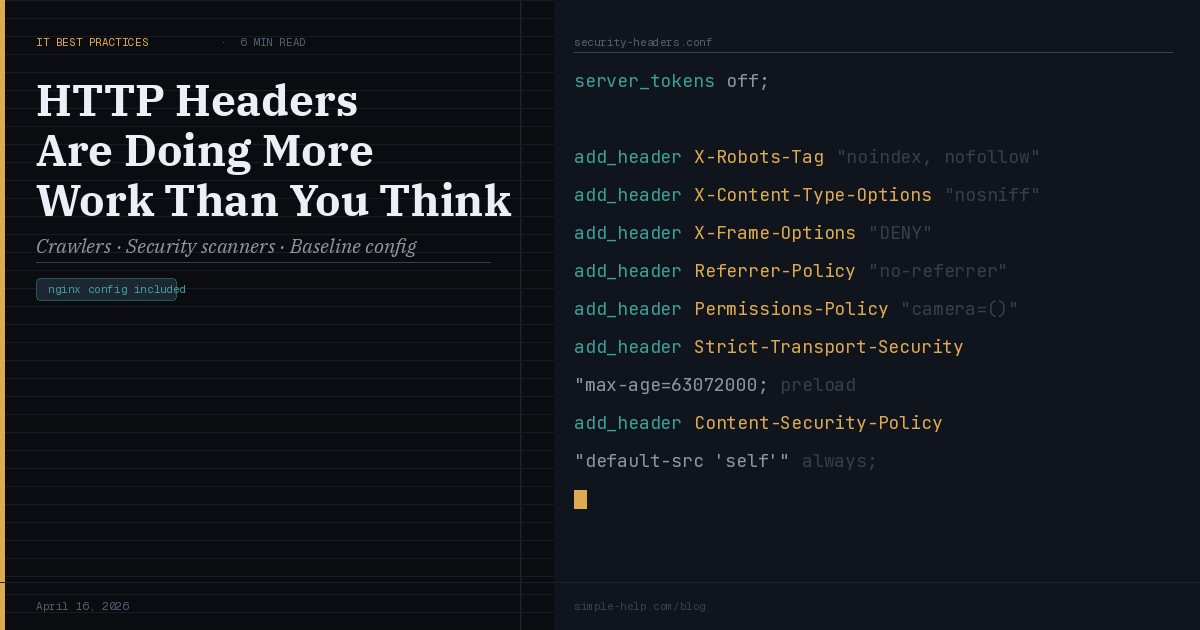
Here is a minimal Nginx snippet that covers the essentials for a typical internal or API facing service. It is not exhaustive, but it is a solid starting point that addresses the most common sources of operational noise.
# /etc/nginx/conf.d/security-headers.conf server_tokens off; add_header X-Robots-Tag "noindex, nofollow" always; add_header X-Content-Type-Options "nosniff" always; add_header X-Frame-Options "DENY" always; add_header Referrer-Policy "no-referrer" always; add_header Permissions-Policy "camera=(), microphone=()" always; add_header Strict-Transport-Security "max-age=63072000; includeSubDomains; preload" always; add_header Content-Security-Policy "default-src 'self'" always;
Drop this into a shared config file and include it across your server blocks. Adjust the CSP and HSTS values to fit your actual service requirements — the above assumes a straightforward web app that does not load external resources.
The bigger picture
None of this is a substitute for proper access controls, patching, or network segmentation. What headers give you is a way to communicate intent clearly — to browsers, to crawlers, and to the automated scanners that probe your services every day. They reduce noise, shrink the information available to attackers doing reconnaissance, and in some cases stop entire categories of opportunistic attack outright.
The good news: this is one of the cheapest security improvements you can make. A few lines of config, applied consistently across your reverse proxy, and you have materially improved your posture with no application changes required.
Got a header configuration question or a use case we have not covered? We would love to hear about it. Drop us a note via the contact page or reply to this post in the community.
SimpleHelp is a unified remote support and RMM platform, designed and built as one application since 2007. Now with AI powered fleet management through Cyana. Learn more at simple-help.com.