Choosing the Right LLM for Cyana
Cyana works with multiple AI providers. Here's what each one means in practice and how to decide which fits your environment.

Kimanni Bramble
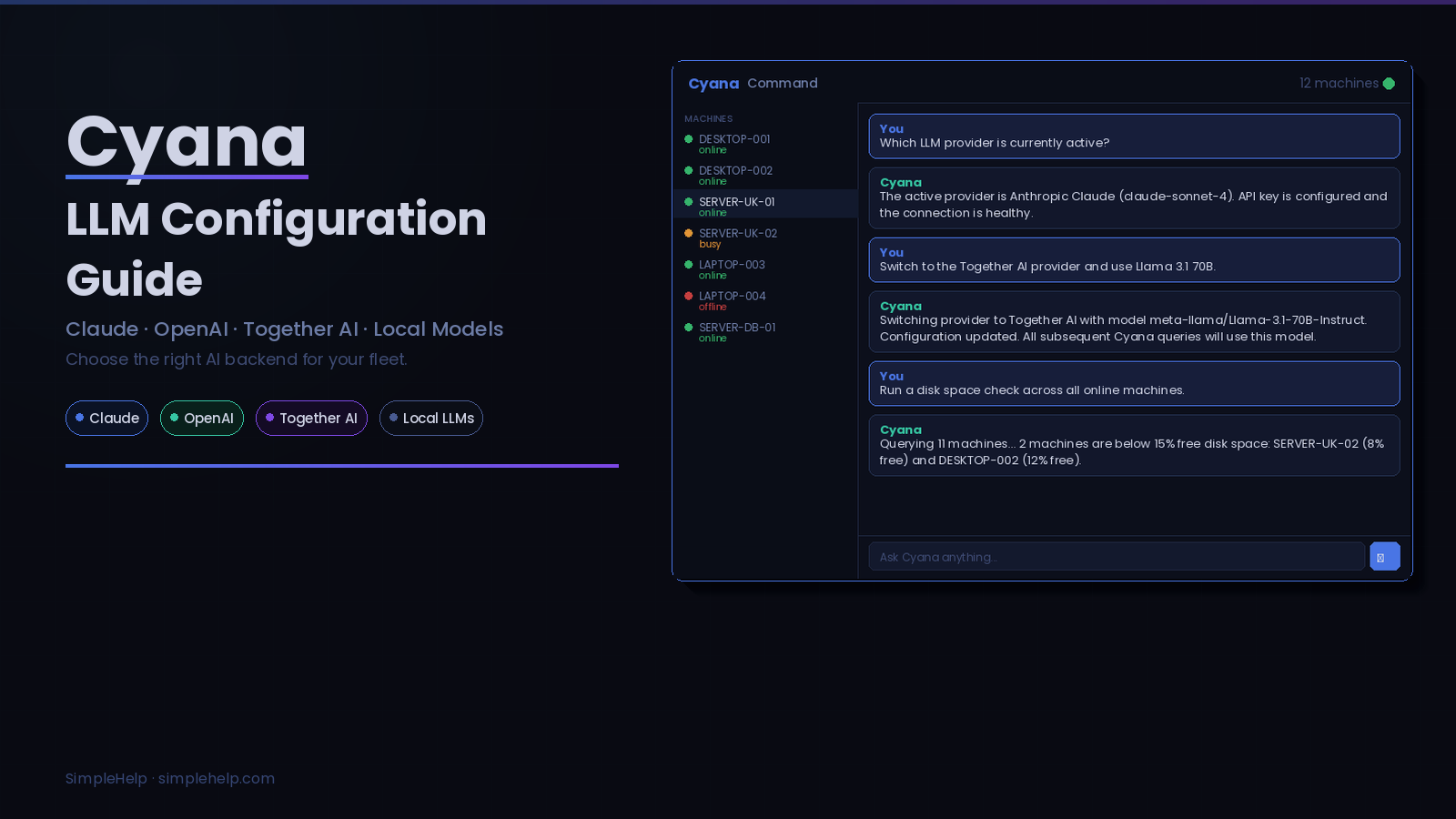
Cyana works with multiple AI providers. Here's what each one means in practice and how to decide which fits your environment.
When you set up Cyana, one of the first decisions you make is which large language model to connect it to. The choice isn't just about which AI is "best." It comes down to your data requirements, the complexity of the tasks you're running, your budget, and whether your machines run in an isolated environment.
Here's a breakdown of each option, what it's good at, and when you'd reach for it.
Claude is a strong general purpose choice for Cyana. It follows instructions across multiple steps accurately, handles long contexts well, and is particularly good at producing clean, structured output. That matters when Cyana is summarising machine states across a large fleet or generating HTML reports.
The API uses Anthropic's cloud infrastructure, so data leaves your environment when queries are processed. If you're comfortable with that, the value for money is competitive. Claude's instruction following is notably consistent, meaning you'll get fewer cases where Cyana misinterprets a complex command across the fleet.
Good fit if: You want reliable, precise output on complex queries and your data policies allow cloud processing.
OpenAI's models, including GPT-4o and its variants, are widely used and well documented. If your team has already built familiarity with the OpenAI API, adding it to Cyana is straightforward. The models handle a broad range of tasks, and the API is mature with good uptime and latency.
GPT-4o in particular handles tool use and structured reasoning well, which is relevant to how Cyana chains operations: querying machines, interpreting results, and deciding what to do next.
One thing worth noting: OpenAI offers an Enterprise tier with stronger data processing agreements if that's relevant to your compliance requirements.
Good fit if: Your team already uses OpenAI, or you want a mature API with a large ecosystem of documentation and community knowledge.
Together AI is a cloud inference platform that runs open source models including Llama, Mistral, Qwen, and others at production scale. You get the flexibility of open weight models without having to manage GPU infrastructure yourself.
This is useful if you want to reduce cost at high query volumes, experiment with different model families, or avoid being tied to a single provider. Models available through Together AI vary considerably in capability, so it's worth testing a few against your typical Cyana workloads before committing.
The pricing structure is pay per token across a range of hosted models. That can work out significantly cheaper than the flagship closed models for tasks that don't need maximum capability. Running basic fleet queries, disk space checks, and routine diagnostics across a large estate? A smaller, faster model through Together AI will handle most of that fine.
Good fit if: You want cost control at scale, prefer open weight models, or want to avoid dependency on a single AI provider.
Cyana supports local LLM deployments: models running on your own infrastructure with no external API calls. This is the option for environments where data cannot leave the network, including regulated industries, isolated installations, or customers with strict data residency requirements.
You run the model on your own hardware or a local server, point Cyana at the endpoint, and queries never touch the internet. SimpleHelp's Enterprise FIPS configuration works with local LLMs for organisations that need the full stack to meet compliance requirements.
The trade off is capability. Local models have improved considerably over the past couple of years, but if you're running on modest hardware, you may see slower response times and less accuracy on complex queries compared to a frontier cloud model. For straightforward fleet operations like querying machine states, running standard Toolbox tools, and generating basic reports, a capable local model handles the workload well.
Models like Llama 3.1 70B, Mistral Large, and Qwen 2.5 72B are worth evaluating. If you have the hardware to run them at full precision, the gap between local and cloud narrows considerably.
Good fit if: Your data cannot leave your network, you're in a regulated industry, or you need full control over the AI stack.
Start with your data requirements. If your compliance or security policy says AI queries cannot go to a third party cloud, running locally is the answer, full stop. If you're comfortable with cloud processing, the decision becomes one of capability versus cost.
For most MSPs and IT teams running Cyana across a mixed fleet, a cloud model will give you the best results out of the box. Claude and OpenAI's flagship models are the most capable on complex reasoning tasks. Together AI gives you flexibility and lower per token costs if you're running high query volumes against simpler tasks.
If you're unsure, test your most common Cyana prompts against a couple of models. The differences show up quickly in practice, especially on prompts that require Cyana to chain multiple steps, interpret ambiguous machine states, or generate a structured report.
You configure your LLM provider in SimpleHelp's server settings. You can switch providers at any time, and nothing about the switch affects your existing SimpleHelp setup, permissions, or audit logs. The AI is a component you plug in, and Cyana's security model stays the same regardless of which model is on the other end.
For setup instructions, see the Cyana Guide.
SimpleHelp is a unified remote support and RMM platform, built as one application since 2007. Cyana is available as an add on to any active Business, Enterprise, or Enterprise FIPS subscription. Learn more at simple-help.com.


